Sep 9, 2026
AI Can Answer Every Facebook Messenger Chat for You
The typical Facebook Page handles Messenger replies in much the same way: whoever is around opens the Page inbox when they get the chance, and whatever came in overnight waits until the following morning for an answer, assuming one ever comes. Tie the Page to an AI assistant and the channel stays the same while the timing does not. Your customers go on writing to the Page just as they always have, and within seconds the assistant responds using your own business information.
The linking itself amounts to a single round trip through Facebook. What follows walks you through that round trip, and then covers the question people raise once it is done: stepping into a conversation to answer a customer personally, without the assistant talking over you.
What do you need before you start?
- A Facebook Business Page. Messenger conversations cannot reach a personal profile through the API, so a business still operating from a personal account needs the Page created first.
- A Facebook account holding admin rights on that Page. Only Pages where your role lets you act appear in Facebook's list, which means a colleague's login will show their Pages instead of yours.
- A phone or a computer. On a computer Facebook's sign-in opens in a popup. On a phone the page itself goes to Facebook and comes back once you have signed in, and you choose your Page there. If you started from the RevoplyAI app on your home screen, go back to it afterwards: the Page list is waiting in the app.
How do you connect it, step by step?
In the dashboard
Go to Messaging Channels, locate Facebook Messenger and press Activate. You will see a dialog titled Connect Facebook Messenger carrying one button.
In the Facebook window
Press Continue with Facebook, then sign in if your session is not already active. Three permissions come up on Facebook's side, and each one deserves a moment of understanding instead of a blind click: listing your Pages, sending and receiving messages on the Page you select, and subscribing that Page to message notifications. Your personal profile and your friends stay outside that set.
Should this app already be linked to Facebook from another channel, the permission screen can appear again instead of the earlier approval being reused. On our side that choice is intentional. The Messenger permissions are missing from an older approval, and asking again is the only route to adding them short of pointing you at Facebook's settings to revoke the app manually.
Choosing the Page
Once you are back in the dialog, your Pages show up in a list. Select the one your customers write to and press Connect Page. The status then reads Connected.
Confirming the Page is required even when there is only one of them, and the reason is deliberate: the moment a Page connects, an assistant begins answering real customers on it, so a single conscious click beats a step that slips by while your attention is elsewhere. Where several Pages sit under your name, this is equally the point to verify you chose the active trading name and not a leftover from an old rebrand.
How do you check it worked?
- Write a message to the Page over Messenger, using another Facebook account or a colleague's phone. Your own account is ruled out here, because a Page has no way to message itself.
- Launch the Inbox inside the dashboard. You should find the message waiting there.
- Verify the reply landed in Messenger itself, not only inside the dashboard. Since the assistant draws its answers from your knowledge base, a weak reply here usually points to a thin knowledge base rather than a failed connection.
A wrong answer, as opposed to a missing one, is a content issue that calls for a different remedy. What belongs in the knowledge base covers what to feed it, and why an assistant answers wrongly explains how to trace the gap behind it.
When you want to answer a customer yourself
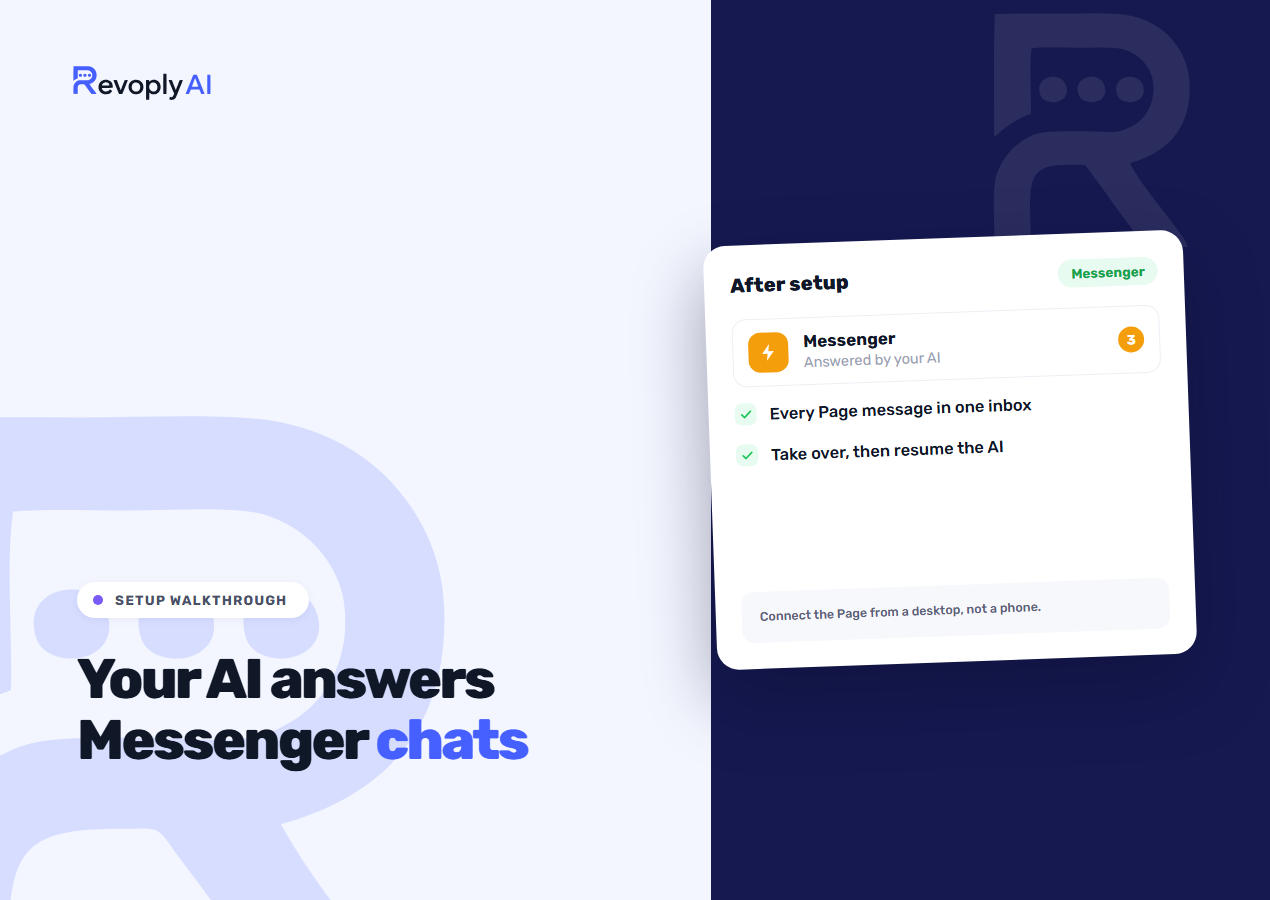
Certain conversations are better left unautomated: a complaint, a dispute over a refund, or a loyal customer who would spot the difference. Open the conversation, then press Take over. The dashboard tells you the assistant has stopped replying to that customer, and the stop has no expiry.
That final point carries more weight than it appears to. No timer ends a takeover on Messenger. The assistant will not slip back into the conversation partway through, nor will it pick things up again the next day. Once you are done, press Resume AI on that conversation to return it. Until then the customer belongs to you, while every remaining conversation keeps getting automatic answers.
What if it does not connect?
- No Pages in the list. Your Facebook session belongs to an account with no role on the Page. Log out of Facebook, log in with the account that administers the Page, and begin once more.
- The dialog says the Facebook SDK will not load. An ad blocker or privacy extension is stopping Facebook's script from running. Switch it off for this site while the setup lasts.
- On a phone, the Facebook app opened instead of the sign-in. Go back to the browser tab and tap “Didn't open? Continue to Facebook”, which keeps the sign-in in the browser.
- Nothing arrives in the inbox afterwards. The Page connected, yet the message subscription did not. Disconnect, then reconnect, accepting all three permissions on Facebook's screen instead of unchecking one.
Customers seldom write from Messenger alone. Once your replies span several channels, a single inbox across every channel is what keeps one question from drawing two answers, and connecting a WhatsApp number follows the same principle as the setup above.