Oct 4, 2026
AI Assistant That Sends PDFs and Price Lists
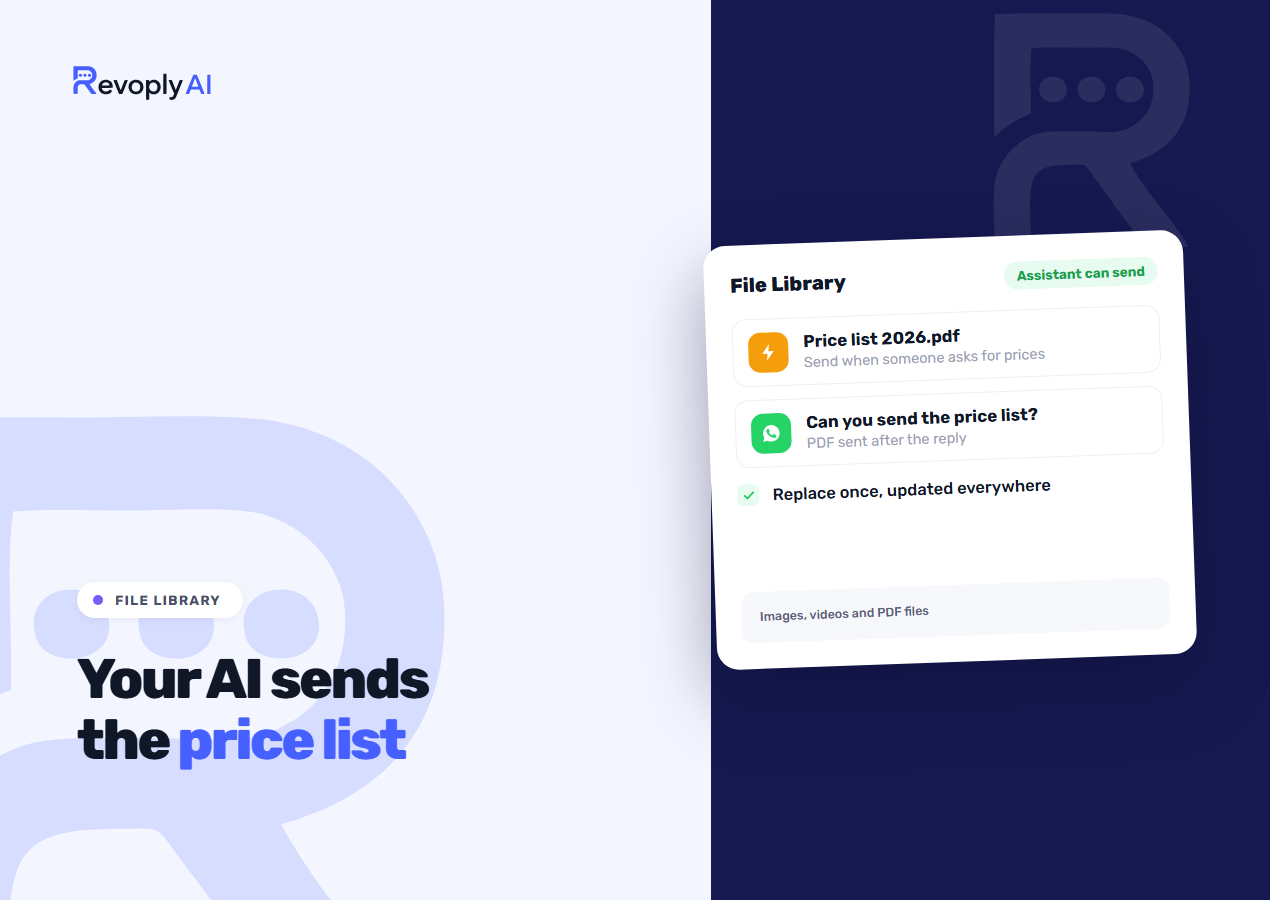
A customer writes "can you send me the price list?" and a few seconds later the PDF lands in the same chat, whatever the hour. This is the job of the File Library: you upload a file one time, turn on Let the assistant send this file, and the assistant attaches it whenever someone asks for it.
Before 2 October 2026 our assistant could tell a customer what was on your menu but could not pass the file across. Someone on your team had to locate it and send it by hand.
One place for the files you send again and again
From the tools page open File Library and hit Upload a file. Images are accepted up to 4 MB, while videos and PDFs go up to 15 MB. No other document types are taken, so turn a Word or Excel file into a PDF before uploading.
Every file carries a name, a description and a language: Arabic, English or any. You can then attach that same file to an instant reply, an automation step, a broadcast, or a WhatsApp template header. Used in shows each location that sends it.
The biggest time-saver is Replace file. When your prices move, upload the fresh PDF on top of the old one. Every sender of that file picks up the new version with its next message, and nothing else needs editing. A file still in use cannot be deleted by mistake: you are shown where it is used and asked to remove it from those places first.
Letting the assistant send a file
The switch belongs to each file and starts off, so nothing leaves the library without your go-ahead. Flip it on, then phrase the description as an instruction. The library offers the pattern for you: "Send when someone asks for the menu." The description stays visible to your team alone, and the assistant reads it to work out when the file is the right thing to send.
A few rules keep its behaviour predictable:
- The file shows up immediately after the assistant's reply, through the channel the customer wrote on.
- One reply carries two files at most.
- The assistant picks from the 20 switched-on files you added most recently.
- A file you have not switched on stays out of its reach. When a customer asks for something that is not in the library, the assistant says it does not have that file, and it makes no promise to send one.
If you keep both an Arabic and an English version, set the language on each file, so the English menu never reaches an Arabic speaker.
What to put in first
Begin with the files your team is asked for most often. For most businesses that means two or three of the following: the price list, the menu, the size chart, the service brochure, your location map as an image, the return form.
The actual answer should live in the knowledge base. A file is something the customer keeps or passes on to others. It answers "how much is delivery?" badly, since the assistant should reply to that in one sentence. What goes where is explained in what to put in your knowledge base. And when the identical file must go out word for word on a keyword, with no AI taking part, use an instant reply and attach the file to it from the library.
Plans
Every plan includes the library: 3 files on Basic (Free), 10 on Starter ($9), 50 on Pro ($29) and 200 on Business ($59). Assistant file sending belongs to the paid plans, Starter and above. The complete list sits on the pricing page.