Nov 2, 2026
Take Orders in WhatsApp Chat With an AI Agent
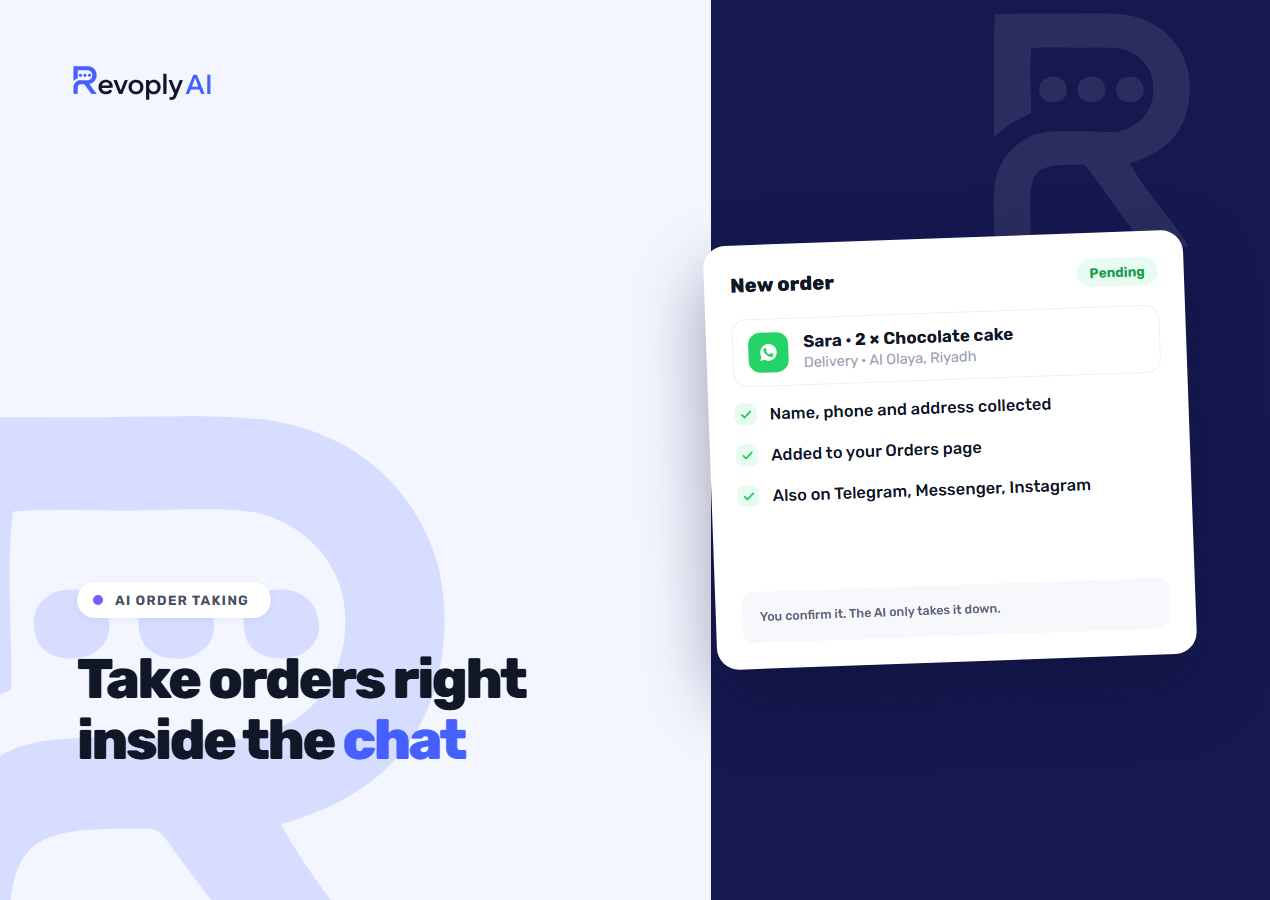
Plenty of orders already arrive as chat messages: "two large trays for Thursday, delivered to the office." Someone then has to ask for the missing details, copy them somewhere and hope nothing got lost. With order taking on, the AI assistant does that part in the conversation, and the finished order waits on one page for you to confirm.
What the customer sees
The customer says what they want in their own words. The assistant asks only for what is still missing: their name, delivery or pickup if you offer both, and an address if the order is being delivered. It never asks for a phone number or an email.
Before anything is saved, the customer gets a summary of the order and has to agree to it. RevoplyAI writes that summary and the confirmation from the order data, instead of leaving them to the AI, so what the customer agrees to is what gets saved. The confirmation carries a reference starting with RO-, which the customer can quote if they write again.
Turning it on
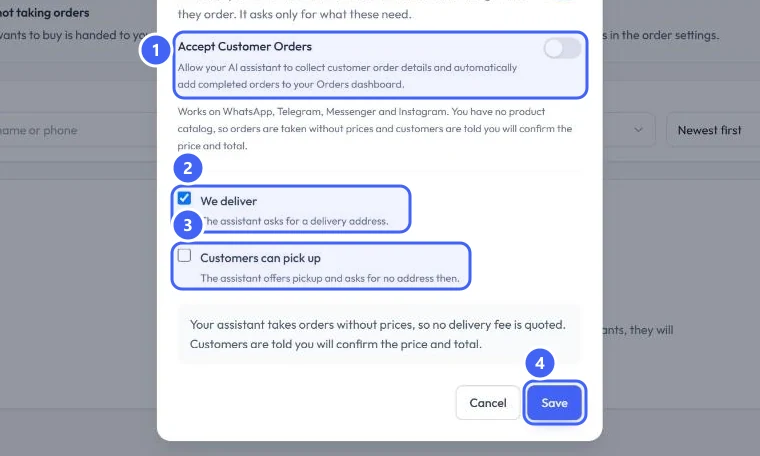
Open AI Assistant, then Orders, then Order settings. Switch on Accept Customer Orders and choose We deliver, Customers can pick up, or both. If you offer only one, the customer is not asked to choose. The step-by-step guide walks through each screen.
Where each order goes
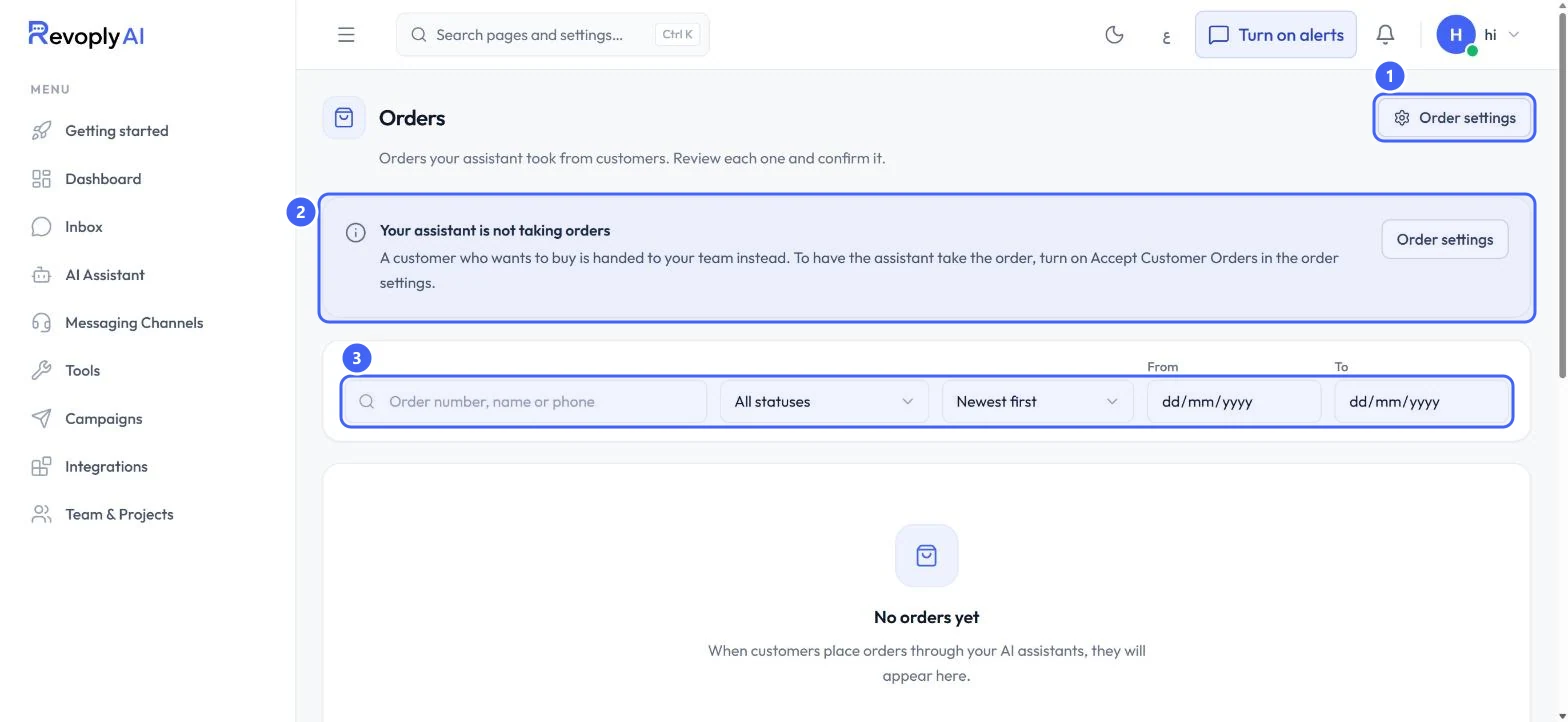
You hear about a new order in the dashboard's notification bell, by push and by email. Every order then sits on the Orders page, where you can search by order number, name or phone, and filter by status or date.
An order starts as Pending confirmation. From there you move it to Confirmed, Processing and Completed, and you can cancel it at any point before it is completed. Nothing counts as confirmed until you have looked at it.
What it does not do
- Prices: without a product catalog, the assistant takes the order in the customer's words and tells them you will confirm the price and total. It does not quote a delivery fee either.
- Channels: orders work on WhatsApp, Telegram, Messenger and Instagram. On the website widget and on calls, a customer who wants to buy is handed to your team, because a website visitor cannot be reached once they close the page.
- Stores with their own checkout: if your connected store has a checkout, the assistant leaves ordering to it.
- Limits: one order holds up to 20 lines, and one conversation can place up to 5 orders a day.
With the switch off, a customer who wants to buy goes to your team, so nothing changes until you choose. If your orders usually need a person to discuss them first, keep it off and tune the handover instead.
Who it suits
It fits businesses whose orders are short and take a confirmation anyway: kitchens and caterers, bakeries, small shops selling through chat, and anyone with a restaurant or delivery trade. Try it in the test console first, then see what each plan includes on the pricing page.