Oct 4, 2026
Chatbot Flow Builder: Fixed Paths Beside the AI
Automations is the chatbot flow builder in RevoplyAI. A flow follows one fixed route: a menu, some questions, a branch, a handover. You build one only for the moments that must be handled identically every time. Everything else gets an answer from the AI assistant, which steps in the moment a customer sends something the flow cannot use.
The order is what makes the difference. With most chatbot builders you must sketch every conversation before the bot can utter a word. Here the assistant answers from your knowledge base from day one, and you could run it for months with zero flows. We shipped the builder on 2 October 2026 for Pro and Business. It serves as a WhatsApp flow builder and works just as well on Messenger, Instagram, Telegram and website chat.
When a flow beats the assistant
The same four situations keep repeating:
- A menu on the first message. Sales, support, order status, phrased identically for every customer.
- A short form. Name, phone, what the person needs. Each answer gets validated and stored on the contact.
- A policy that must not be paraphrased. Returns and exchanges, laid out step by step.
- A follow-up. Request feedback a few hours after the conversation falls silent.
When all you need is one fixed answer to one keyword, an instant reply rule is the simpler tool. Reach for a flow once there is more than a single step.
What starts a flow
| Trigger | Use it for |
|---|---|
| Customer sends a keyword | "returns", "menu", "offer" |
| A conversation starts | The opening message, or the first one after a quiet stretch you define in hours |
| Customer taps a template button | Answering a WhatsApp broadcast |
| Your team starts it | A member of your team launches it from the inbox |
You can restrict a trigger to selected channels and to conditions like business hours, a contact tag or the customer's language. You also set how often a contact is allowed to enter: every time, one time only, or again once a cooldown passes.
The steps you build with
- Send a message. Text, with an image, video or PDF attached if you want.
- Ask a question. The reply can be a pick from options, free text, a number, an email address or a phone number.
- Check a condition. Split the path based on an answer, a tag, the language or the time of day.
- Remember something. Add a tag to the contact, populate a contact field or give the conversation a label.
- Let the assistant reply. Give a single turn to the AI, guided by an instruction you write.
- Hand over to the team. The identical handover covered in how human handoff works.
- Wait, Go to step, End. Pause the run, jump elsewhere, or finish it.
Business adds one more: Send a template, which sends an approved WhatsApp template. A single flow can hold up to 60 steps, and any run stops after 24 hours at the latest. Write each text in Arabic, in English or in both, and each customer receives it in their own language.
The canvas lays itself out. Every step you add drops into the correct spot, so you never drag boxes or draw arrows. On channels that support buttons, options are tappable; everywhere else the customer types their answer.
How flows and the assistant share a conversation
Each incoming message is matched against your flows first, then instant replies, then the assistant. Beyond that the rules are brief:
- Any answer the flow cannot recognise is passed to the assistant, or, if you prefer, down a separate path you designed for that situation.
- Typing an exit word stops the run, and the assistant replies to that message.
- While a Wait step is active, anything the customer writes gets an answer from the assistant.
- The run stops as soon as a teammate replies.
AI credits are spent only by the Let the assistant reply step. Menus, questions and waits are free.
Build, preview, publish
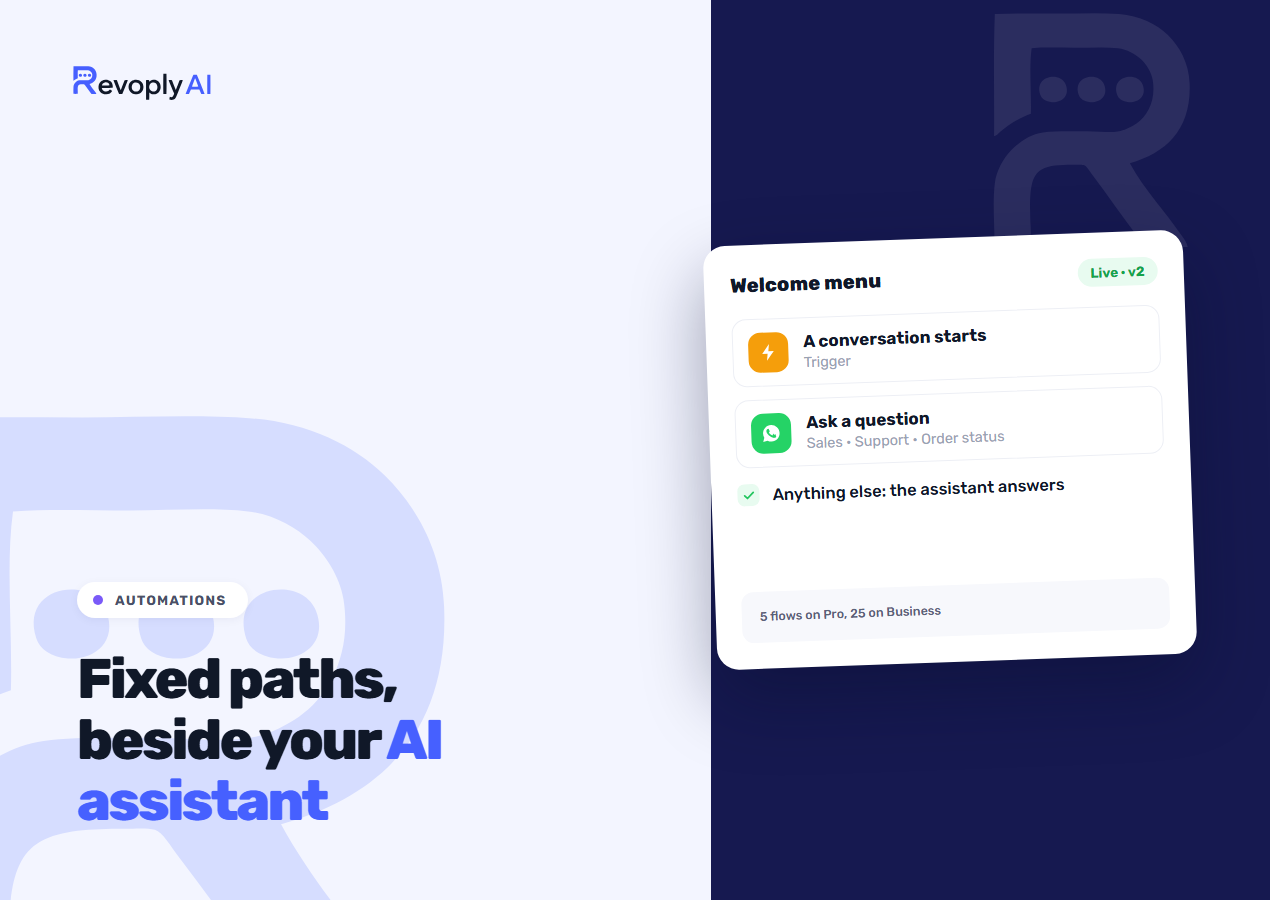
Hit New automation, then begin from an empty canvas or from one of five templates: Welcome menu, After-hours note, Collect lead details, Returns and exchanges, Feedback request. Every new flow starts in the off position.
Preview lets you type as the customer on a channel you pick, in a language you pick, with business hours treated as open or closed. No message reaches anyone and no charge is made. Once it behaves the way you want, hit Publish. Each publish produces a numbered version, and any later edits remain a draft until the next publish. Every run is stored in the flow's history together with the reason it ended.
Is this a no code chatbot builder?
Yes, but with one distinction. A no-code chatbot builder by itself strands the customer the instant they wander off the script. Here the script is the exception rather than the rule, and the fallback is an assistant that knows your business. If you are still weighing how much to script in the first place, our guide to making a WhatsApp bot opens on the same question.
Plans
Automations come with Pro ($29 a month), which includes five flows, and with Business ($59), which includes 25. Basic and Starter include none. New customers get a free seven-day trial of either plan, card required, from the pricing page. Should you downgrade afterwards, your flows stay saved, and only those your new plan permits continue running.