Jul 23, 2026
How to Make an AI WhatsApp Bot (No Coding Needed)
Ask business owners what they most want fixed, and "How do I make a WhatsApp bot?" keeps coming up, usually right after they count the messages slipping away each day. Here is the encouraging part: a developer, a server, and even a single line of code are no longer requirements. This guide lays out the exact steps for building a WhatsApp bot, explains what a bot really is, covers the two available build routes, and shows the path from nothing at all to a live bot answering your customers within minutes.
What Is a WhatsApp Bot?
Think of a WhatsApp bot as an automated assistant that handles replies to your customers on WhatsApp, so no human has to type every answer. Earlier generations of bots stuck to rigid button menus ("Press 1 for pricing"). Today's AI WhatsApp bot works differently: it comprehends natural questions written in Arabic or English and draws its answers from your own business information, prices, working hours, policies, and product details rather than a fixed script. It stays available 24/7, runs many chats in parallel, and passes a conversation to a human whenever that becomes necessary.
Two Ways to Build a WhatsApp Bot
1. The developer route (code)
One option is to apply for the WhatsApp Business API on your own, run a hosted server, and write the bot logic yourself in a language like Python or Node.js. Full control comes with that approach, yet it demands technical skill, regular maintenance, and patience, since weeks typically pass before anything works. Most businesses simply do not need that much overhead.
2. The no-code route (recommended)
Platforms such as RevoplyAI handle the official WhatsApp Business API connection on your behalf (we hold verified Meta Tech Provider status) and provide a dashboard where the bot gets built visually. Upload your business information, link your number, and the AI takes care of everything else. There is no code and no server involved, while the connection itself is the same official, ban-safe one the developer route uses.
How to Make a WhatsApp Bot Step by Step
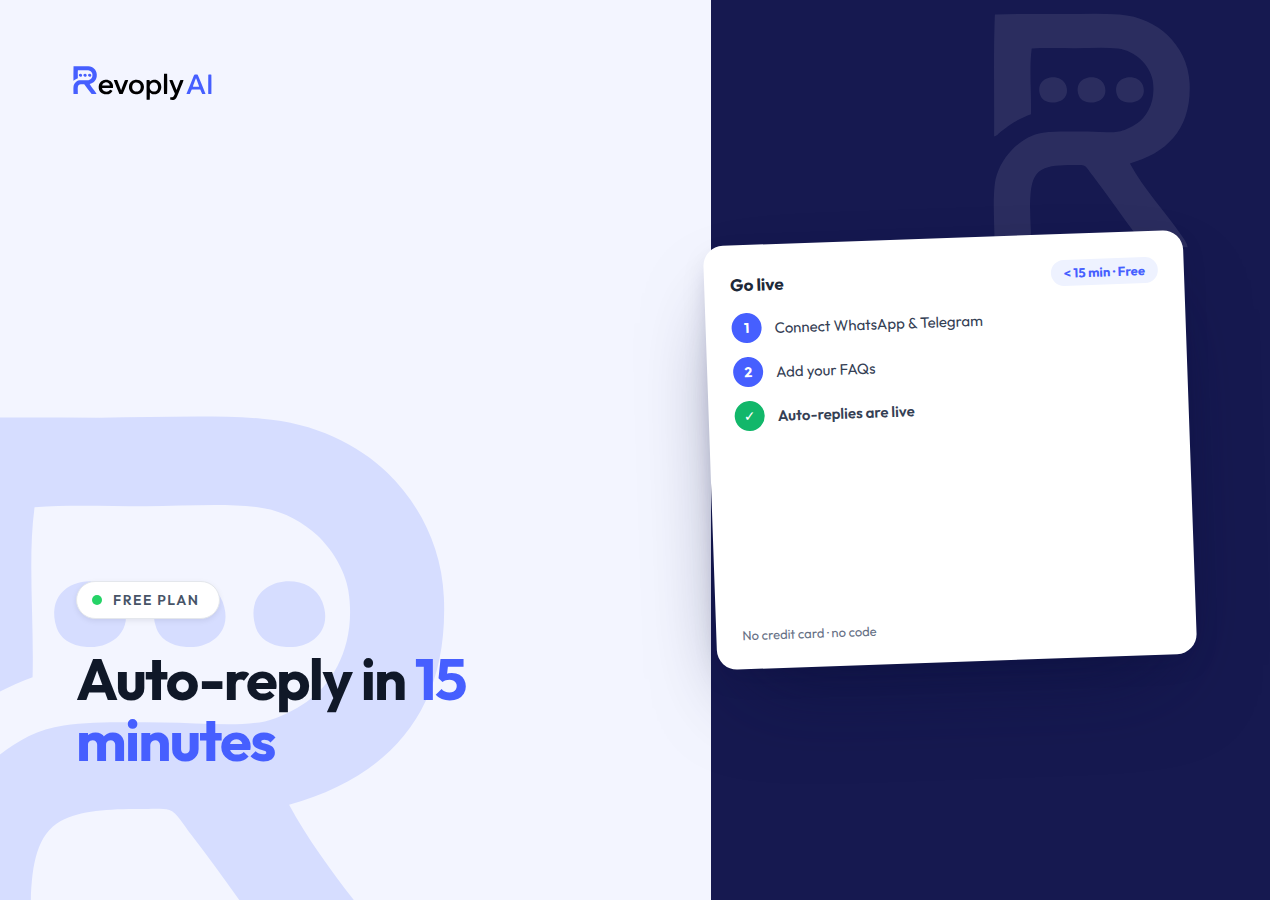
- Create a free account then open the dashboard, with no credit card asked for.
- Build your knowledge base: drop in your FAQs, upload documents or product files, or paste a link to your website. The bot answers strictly from this material, so it never invents information.
- Connect your WhatsApp number via the official Business API. Both a fresh number and one you already own will work.
- Test the bot inside the built-in sandbox: throw the questions your customers actually ask at it, then refine the answers until you are satisfied.
- Go live. From that point on, your bot replies to every incoming message automatically, day and night.
Minutes, not weeks, is all the process takes. And should you later want a bot on Telegram or a website widget, one knowledge base powers every channel at the same time.
What to Prepare Before You Start
- A phone number to use for WhatsApp, whether new or already yours.
- The questions customers ask most often, together with their answers.
- Whatever documents, price lists, or website link the bot could learn from.
- A brief note describing when a chat belongs with a human, with complaints or custom orders as typical examples.
Ready to Build Yours?
Setting up an AI WhatsApp chatbot on RevoplyAI takes no code at all, or you can start from our free WhatsApp & Telegram automation guide. Planning to send campaigns later? Go through the number warm-up guide beforehand so your number stays safe.
Frequently Asked Questions
Do I need coding skills to make a WhatsApp bot?
Not at all. A no-code platform such as RevoplyAI lets the entire bot be built straight from a dashboard. Writing code only enters the picture if you choose to build on the raw WhatsApp Business API by yourself.
Is it free to make a WhatsApp bot?
RevoplyAI's free plan lets you begin with no credit card and try your bot against real conversations. As you grow, the paid plans add higher volume along with advanced features.
Will my number get banned for using a bot?
Connecting through the official WhatsApp Business API removes that risk, since it is the compliant way to automate. That official connection is exactly what RevoplyAI uses, and a number warm-up program comes included to protect new numbers.