May 31, 2026
How to Auto-Reply on WhatsApp & Telegram for Free
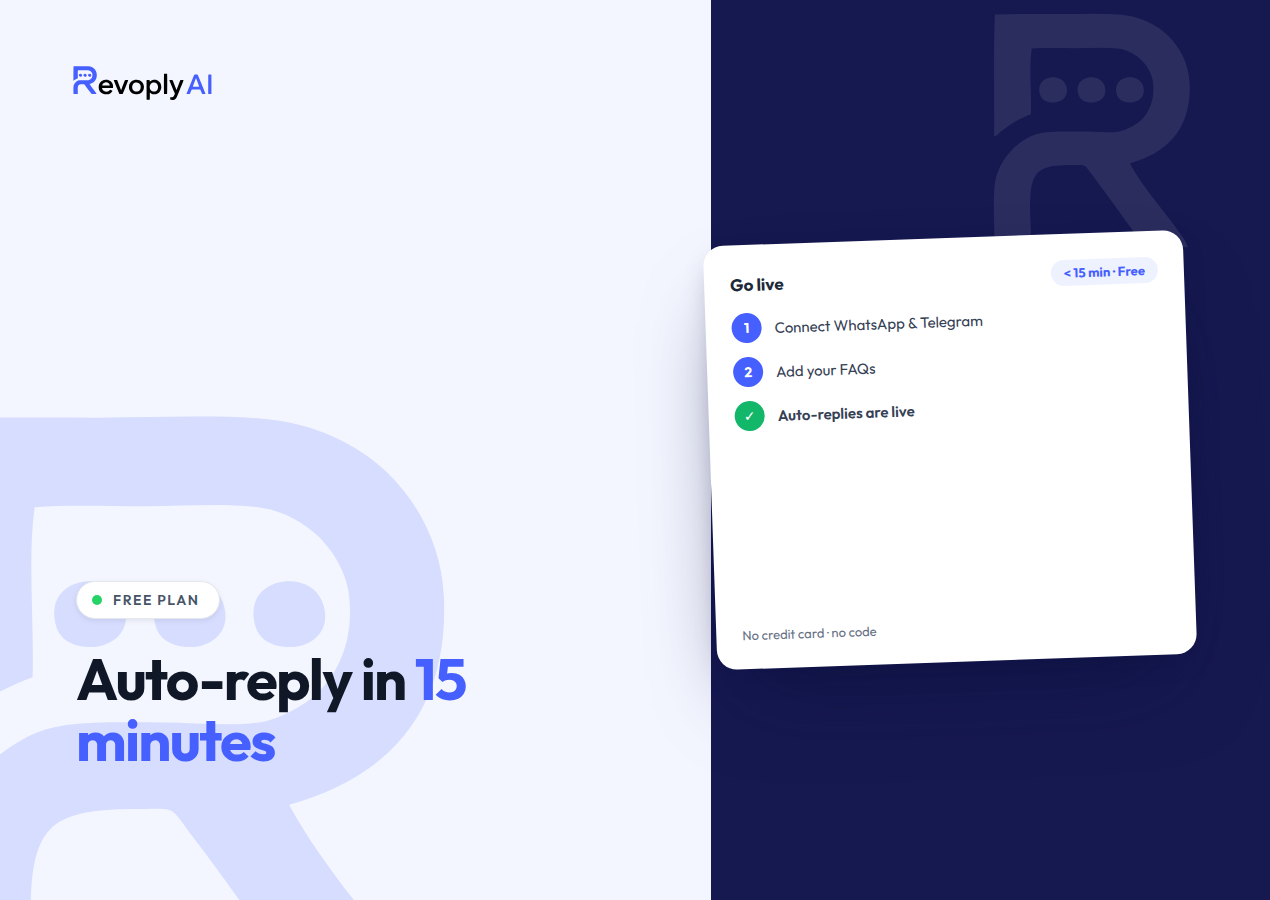
Setting up a fully automated WhatsApp auto reply at no cost is genuinely possible in 2026, and Telegram comes along with it, with no code and no credit card. On the free plan from RevoplyAI you open an account, teach an AI agent from your own FAQs, hook up both channels, and start serving customers in under 15 minutes. With 175 AI replies per month included in the free tier, you have enough room to validate the idea before you spend a single cent.
Can you really auto-reply for free?
You can, and nothing is buried in the fine print as a catch. What the free plan hands you is a genuine AI agent rather than a stripped-down demo, and it responds to customer questions on WhatsApp and Telegram drawing only on the material you supply. Roughly 175 AI replies per month are handled for free, with no credit card stored on your account. Small businesses, solo founders, and anyone else who wants to check whether an AI agent truly answers their customers well can do exactly that before committing to a paid plan.
One detail about the WhatsApp connection deserves attention. Because RevoplyAI operates as a verified Meta Tech Provider on the official WhatsApp Business API, your number stays ban-safe. Rather than an unofficial automation script that would put your account at risk, this is the very infrastructure large brands rely on, offered even on the free tier. On the Telegram side, the connection runs through a standard bot, and bots are free by nature.
What do you need before you start?
Very little, honestly. The setup was kept deliberately light, yet having a few items prepared ahead of time will help those 15 minutes pass without friction:
- A phone number for WhatsApp that has never been registered on the standard WhatsApp or WhatsApp Business app, since the Business API requires a clean number.
- Your FAQs or a handful of documents, covering pricing, opening hours, policies, and the questions you hear most. A Word file, a PDF, or even one plain page of text is enough.
- Telegram (optional at first), the Telegram bot can be switched on with two clicks whenever you feel ready, and no phone number is involved.
- No developer and no credit card. The whole process runs inside the dashboard, code-free.
Not certain which material belongs in the knowledge base? Our guide on what to put in your AI knowledge base explains precisely which documents produce the strongest answers.
How do you set it up step by step?
Below is the complete sequence on the free plan. The majority of users wrap up all five steps in considerably less than 15 minutes:
- Create a free account. Register using your email address; no credit card is asked for. The dashboard opens right away and your free plan is active from that point.
- Upload your FAQ and documents to the knowledge base. Drop in a PDF, a Word file, or plain text, or simply paste a website link. Everything you add is read by the AI, which then answers strictly from it, so no facts about your business are ever made up.
- Connect WhatsApp and Telegram. Attach your WhatsApp number via the official Business API, then bring in your Telegram bot. One AI agent and one knowledge base serve both channels, which means your answers only need configuring a single time.
- Test replies in the sandbox. The built-in testing sandbox lets you pose genuine questions to the agent and verify its answers before a single customer sees anything. Adjust the underlying documents whenever a response misses the mark.
- Go live. Switch the agent on. Every message arriving on WhatsApp or Telegram from then on receives an immediate, correct reply, while conversations the AI cannot resolve can be passed to a human through the shared inbox.
The flow ends there. For a walkthrough built entirely around speed, our 3-minute setup guide maps out the quickest route to a functioning agent, while the Telegram bot for business article examines the Telegram half in more depth.
What are the free plan's limits?
Speaking plainly about the ceiling beats overselling it. As a starting point the free plan is real, but a busy business should not treat it as a permanent answer. Below is what falls inside its coverage and what does not:
- 175 AI replies per month. Each AI reply is deducted from that allowance. An early trial or a shop with light traffic will find it generous, though a store answering dozens of chats daily will exhaust it fast.
- Same core AI quality. Anti-hallucination behavior and knowledge-base grounding work identically on the free agent and on the paid plans, so what you test is the actual product rather than a diluted copy.
- WhatsApp, Telegram, and the website widget all come included, giving you a true evaluation of omnichannel replies before any payment.
One honest question sits behind the free tier: can the AI's replies be trusted with your customers? After you answer yes, the only genuine motive left for moving up is the message cap.
When should you upgrade?
One clear signal tells you when to upgrade: your messages keep running dry before the month closes. Once 175 AI replies a month falls short of your inbound traffic, the Starter plan at $9/mo lifts the allowance to 1,750, while the Pro plan at $29/mo takes it to 7,000, which is forty times the free headroom. Most small businesses settle on Starter; on Pro, an AI agent turns from an experiment into your always-on front line, and appointment booking, instant replies, and reading the photos customers send all switch on.
A move up makes sense once automation demonstrably pays for itself, meaning the agent absorbs a large share of routine questions and spares your team repetitive replies. Up to 80% of inquiries can be automated by RevoplyAI, and support costs drop by around 60%, though that impact only becomes tangible at real volume. Should you require even more, the Business plan at $59/mo includes 15,000 AI replies, and any paid tier billed yearly comes with two months free. The cleanest route: begin on free, verify the value, and pay only once the numbers warrant it.
Frequently Asked Questions
Is it really free?
Yes. Nothing is charged for the free plan and no credit card is requested. A genuine AI agent, trained on your own documents, replies on WhatsApp and Telegram up to 175 AI replies per month. There is no one-week expiry like a time-limited trial; it stays free as long as you remain inside the message allowance.
What happens when I reach the free message limit?
Automated AI replies pause the moment the 175-reply monthly limit is reached, and they resume either when the allowance resets the following month or when you upgrade. Nothing is deleted: your account, your knowledge base, and your connected channels all remain exactly as they were. Businesses that meet the cap regularly tend to switch to the $9/mo Starter plan for 1,750 AI replies, which gives ample headroom for consistent daily traffic.
Will my WhatsApp number get banned on the free plan?
No. As a verified Meta Tech Provider, RevoplyAI connects over the official WhatsApp Business API, which keeps your number safe from bans on every plan, the free one included. Automating WhatsApp this way is the sanctioned method rather than an unofficial workaround, and that is precisely why running your live business number on it carries no risk.
With RevoplyAI, free WhatsApp and Telegram auto-replies become a genuine, always-on AI agent in less than 15 minutes: begin at no cost, and move up only when your message volume signals the moment.