May 28, 2026
WhatsApp Number Warm-up: The Complete Guide to Protecting Your Business Account
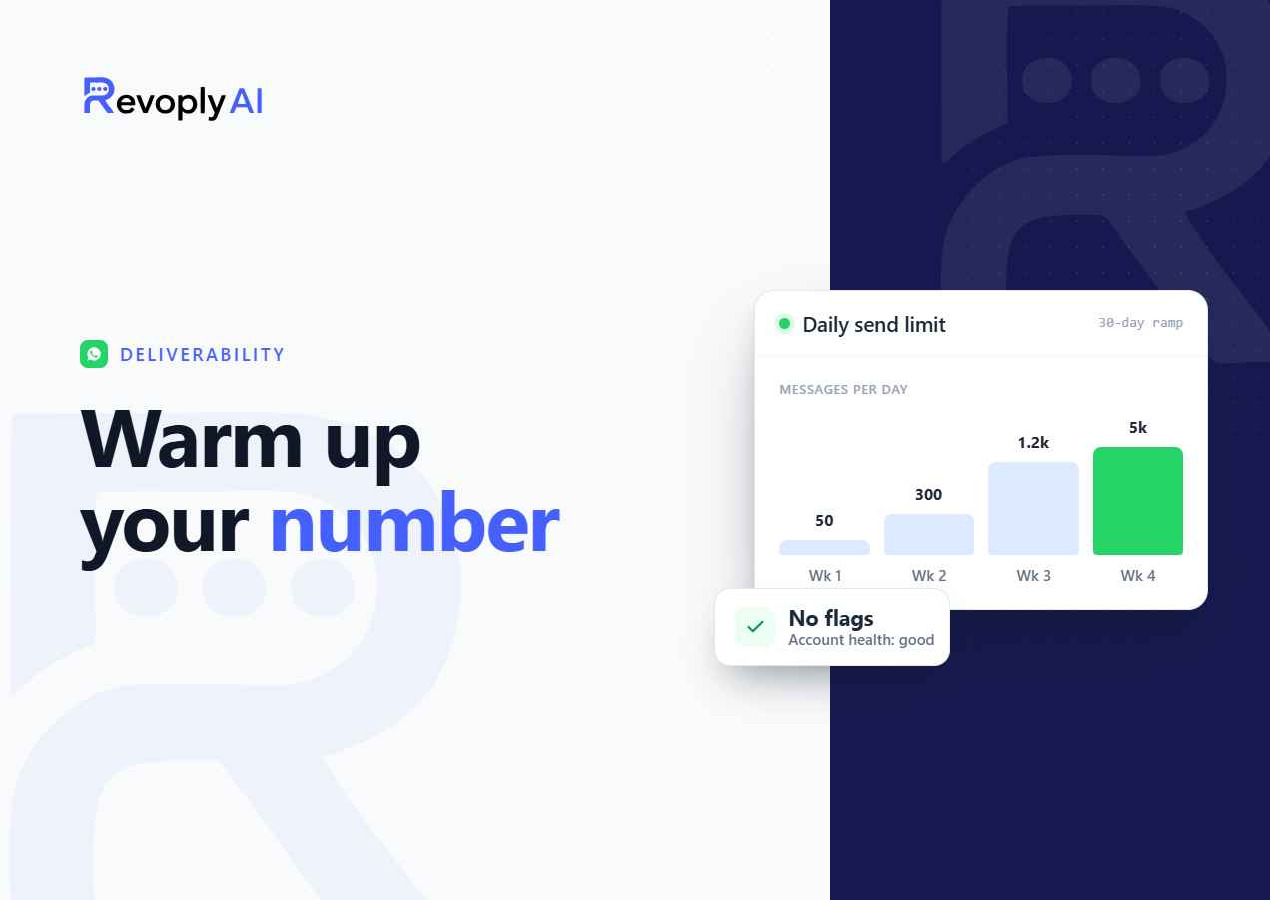
You connected your business WhatsApp number, uploaded your knowledge base, and launched your AI agent. Within a week, your number is banned. This scenario plays out for thousands of businesses every month, and almost all of them had one thing in common: they skipped number warm-up. Whether you're sending broadcast campaigns or just responding to customer inquiries, a fresh number that suddenly handles high message volume looks suspicious to WhatsApp's spam detection systems. Warm-up is the solution, and this guide explains exactly how it works.
What Is WhatsApp Number Warm-up?
WhatsApp number warm-up is the process of gradually increasing your message volume over a period of days or weeks so that your number builds a positive reputation with WhatsApp's trust scoring system before you start sending at full capacity. Think of it like a new employee proving themselves in their first month, they start with small tasks, demonstrate reliability, and are gradually given more responsibility. A phone number works the same way in WhatsApp's infrastructure.
When a number is first registered on the WhatsApp Business API, it starts with a neutral trust score. WhatsApp's algorithms watch the early message patterns carefully. Sudden spikes in volume, high block rates from recipients, or messages to non-consenting contacts all push the score down, sometimes to the point where the number is permanently disabled.
Why New Numbers Are at Higher Risk
New numbers have no history. WhatsApp cannot yet distinguish whether you're a legitimate business or a spammer. The platform uses behavioral signals to make that determination over time. Key signals include:
- Message volume per day: How many unique conversations are you opening?
- Block rate: What percentage of recipients are blocking your number after receiving messages?
- Response rate: Are people engaging with your messages or ignoring them entirely?
- Recipient consent: Have the people you're messaging opted in to receive communications from you?
- Account age: How long has this number been active on the WhatsApp Business platform?
Sending 500 messages on day one of a new number will trigger every alarm in WhatsApp's system simultaneously. Even if your content is perfectly legitimate, the sudden burst is indistinguishable from a spam operation.
The 3 Warm-up Presets in RevoplyAI
RevoplyAI includes a built-in warm-up program that manages this process automatically. You choose a preset based on how urgently you need to reach full sending capacity:
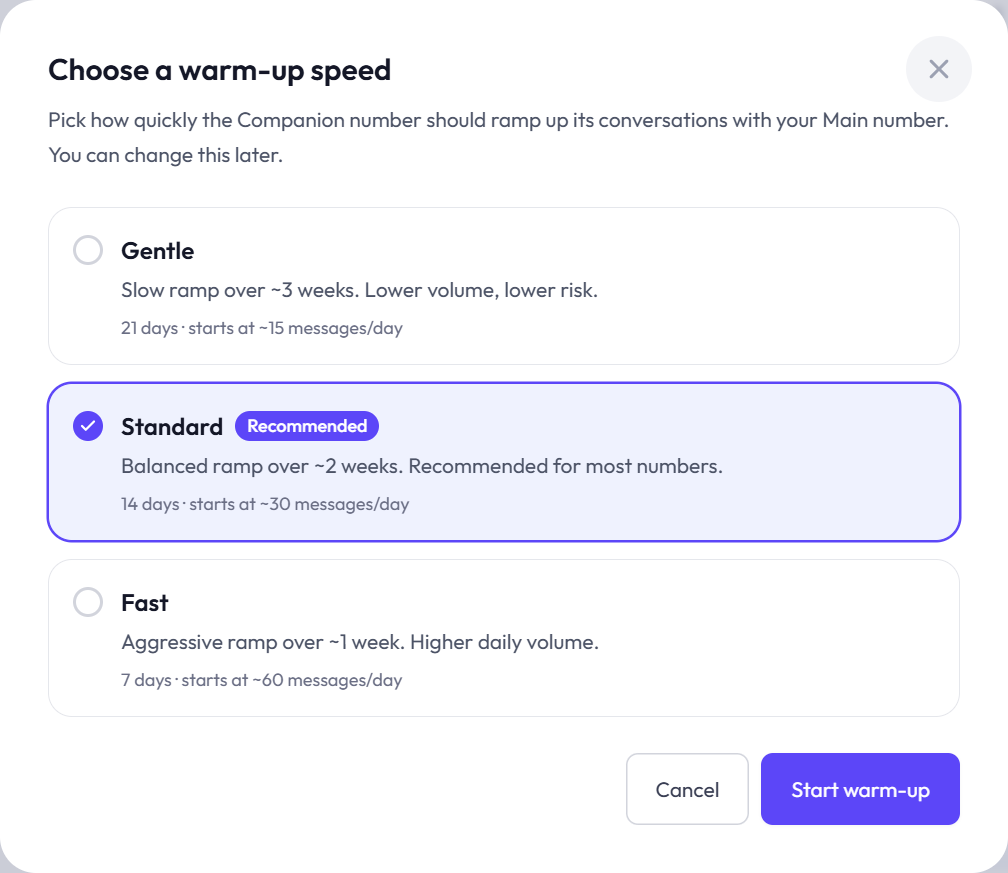
Gentle Warm-up (~3 Weeks)
The safest option for numbers that will be used for broadcast marketing campaigns or any use case with high outbound volume. The system starts at a very low daily message limit and increases it by a conservative amount each day. By the end of three weeks, your number has a well-established trust history and can comfortably handle large volume without triggering spam filters. Recommended for new business numbers or numbers being moved from a different platform.
Standard Warm-up (~2 Weeks)
A balanced approach for businesses that primarily use WhatsApp for inbound customer support with moderate outbound follow-ups. The ramp is steeper than Gentle but still gradual enough to establish a positive reputation before high-volume sending. This is the most commonly used preset for general business accounts.
Fast Warm-up (~1 Week)
For businesses under time pressure with an established brand and a confirmed opt-in contact list. The Fast preset ramps up more aggressively and should only be used when you are confident that your recipient list has high engagement rates, people who actively want to hear from you. Using Fast warm-up with a cold or unverified list significantly increases ban risk. This preset is not recommended for brand-new businesses with no existing WhatsApp relationship with their contacts.
The Companion Number Strategy
Many businesses using WhatsApp for marketing run two numbers simultaneously: a main number for inbound customer support and AI-powered conversations, and a companion number dedicated to outbound broadcast campaigns. This separation provides several advantages:
- Isolation of risk: If a broadcast campaign generates higher-than-expected block rates, only the companion number's trust score is affected, your primary support number remains clean.
- Parallel warm-up: You can warm up the companion number while the main number is already live, so there's no downtime in your support operations.
- Volume flexibility: Each number has its own sending limits. Two warm numbers give you double the daily broadcast capacity.
RevoplyAI's unified inbox manages both numbers from a single dashboard, so your team handles all conversations in one place regardless of which number they came through.
What Happens If You Skip Warm-up?
The consequences range from temporary throttling to permanent account suspension. WhatsApp typically issues a warning first, your number's messaging tier drops and you're allowed to send fewer messages per day. If the behavior continues, the number is disabled entirely. Unlike a temporary restriction, a permanently banned number cannot be recovered. You lose the number, your contacts, and any broadcast lists you had built. Starting over means a new number, a new warm-up period, and rebuilding your contact base from scratch.
The risk extends beyond just one number. Getting your number banned can also affect the Meta Business Manager account it's registered under, potentially impacting other assets connected to that account.
How RevoplyAI Automates the Entire Process
Manual warm-up, tracking daily limits in a spreadsheet, manually throttling your outbound messages, and gradually increasing volume over weeks, is error-prone and time-consuming. RevoplyAI handles all of this automatically:
- Select your preset when connecting your WhatsApp number in the dashboard (Gentle, Standard, or Fast).
- The system enforces daily limits automatically, if you schedule a broadcast that exceeds today's safe sending limit, the system queues the remaining messages for the following days.
- Progress tracking shows your current warm-up stage, daily sending allowance, and estimated date to full capacity.
- Automatic graduation, once the warm-up period is complete, your full sending capacity is available without any manual intervention.
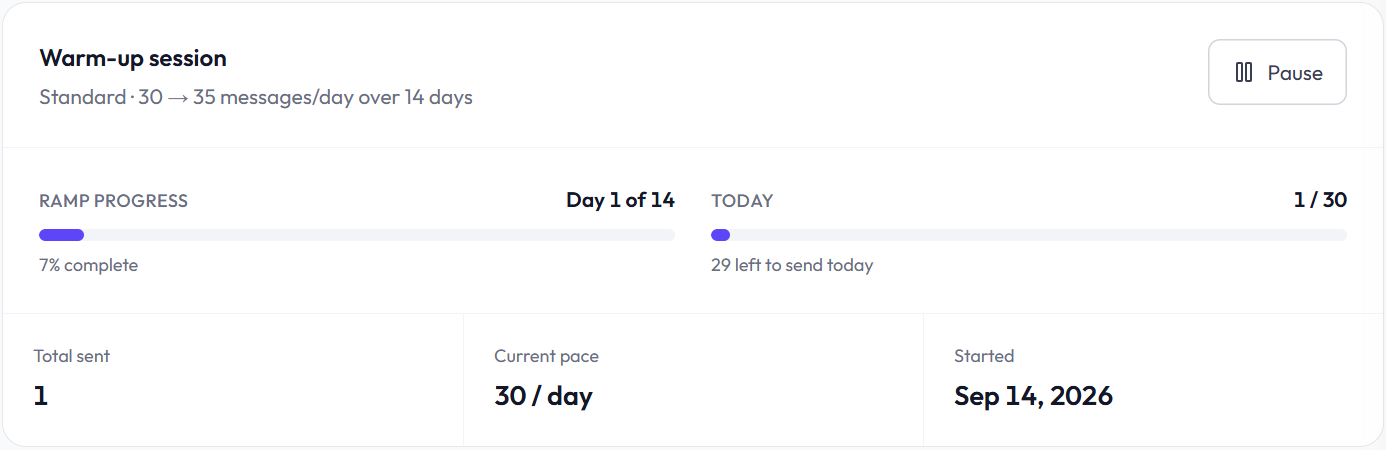
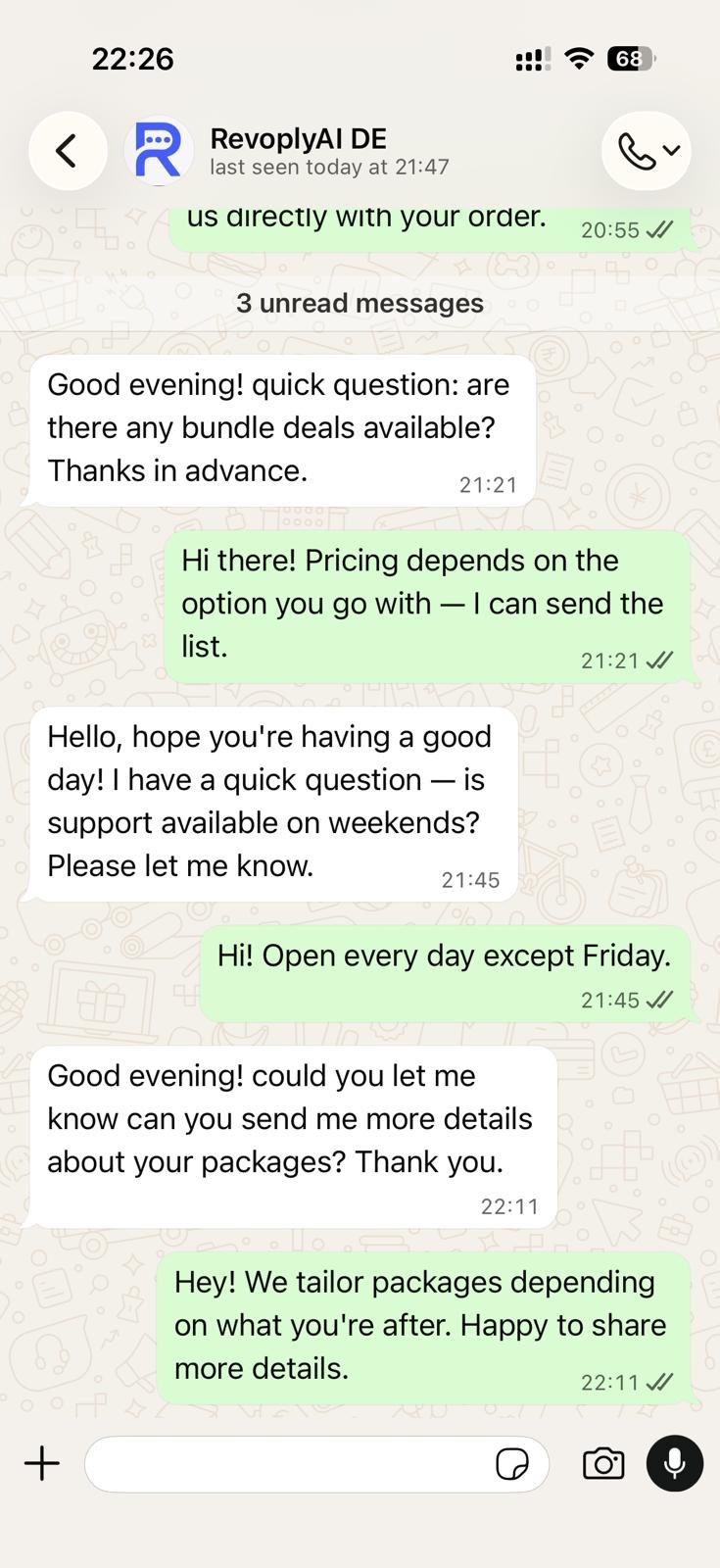
The entire warm-up happens transparently in the background. You can still send and receive messages normally during this period, the system simply ensures your outbound volume stays within safe thresholds each day.
Frequently Asked Questions
Can I use an existing WhatsApp number that already has history, or does it have to be new?
Existing numbers with a positive history on the WhatsApp Business API may not need a full warm-up. However, if you're migrating from one platform to another (e.g., from a third-party tool to RevoplyAI), it is still advisable to run at least the Standard warm-up as a precaution, since the migration itself can reset some behavioral signals. Numbers that are brand new to the WhatsApp Business API always require warm-up.
What is the maximum number of messages I can send during warm-up?
This depends on the preset selected and how many days into the warm-up you are. During the first days of a Gentle warm-up, the daily limit may be as low as 50 unique conversations. By the end of the warm-up, you will typically have access to 1,000+ conversations per day, which is WhatsApp's standard tier for established business accounts. Limits increase automatically day by day, you don't need to request upgrades manually.
Does warm-up affect inbound messages, can customers still message me first?
No. Warm-up only limits the number of new conversations your number initiates outbound per day. Inbound messages, customers messaging you first, are unlimited at all times and are not affected by the warm-up process. Your AI support agent can respond to every incoming message normally from day one.