Sep 21, 2026
Our AI Voice Agent Is Here, Now in Beta
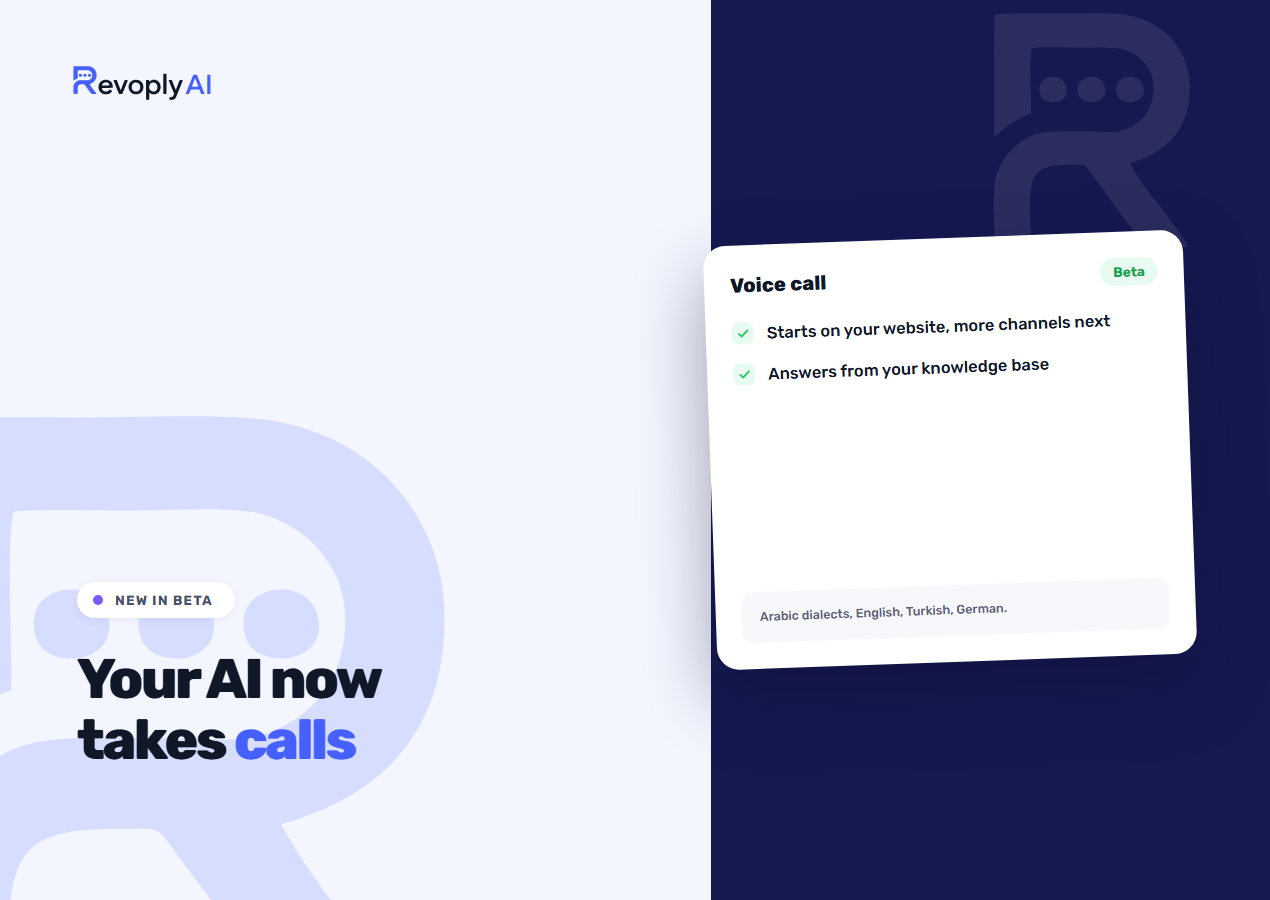
Some customers would rather talk than type. From today, they can speak to your assistant out loud. It listens, answers from your own knowledge base in a natural voice, and hands over to your team when it should. The AI voice agent is in beta and part of the Business plan. It starts on the RevoplyAI chat widget on your website, and we are bringing it to more of the channels your customers already use.
The quickest way to judge it is to try it. The button below calls the same assistant that answers on this site.
What a call sounds like
The visitor opens the widget, starts a call and asks their question the way they would ask a person: "Are you open on Friday?", "How much is the cleaning package?", "Do you deliver to Jeddah?". The assistant answers in a sentence or two and waits. If the visitor cuts in halfway through an answer, it stops and listens, as a person would, instead of finishing a paragraph nobody asked for.
There is nothing to dial and nothing to install for the visitor. The call runs in the browser, on a phone or a laptop, from the widget that is already on your site.
It answers from your knowledge base, and only from it
The voice agent uses the same knowledge base as your chat assistant. If the answer is in your documents, prices or FAQs, it says it. If it is not, it says it does not know and offers a person, rather than making something up that sounds confident. That rule matters more on a call than in chat, because a spoken answer cannot be reread. If you want better spoken answers, the work is the same as for written ones: put the right things in the knowledge base.
Arabic dialects, English, Turkish and German
You choose which languages calls are answered in, and a dialect for each. Arabic comes in Saudi, Gulf, Egyptian, Levantine, Moroccan and Modern Standard. English can be American or British, German can sound like Germany, Austria or Switzerland, and Turkish is Istanbul Turkish. A clinic in Riyadh and a shop in Casablanca should not sound the same, and with this they don't.
What you set up
- The voice. Three voices, each with a sample to listen to first.
- Languages and dialects. As above, one dialect per language.
- The greeting. The first thing a caller hears.
- Answer speed. How long the assistant may think before it answers. Shorter feels more like a conversation; longer gives it room on harder questions.
Handover and the call log
Calls follow the same escalation rules as your chats. When the caller asks for a person, or the question is outside what the assistant knows, the call is marked as escalated so your team can follow up. Every call appears in a call log with a transcript of each turn: what the caller said and what the assistant answered, including answers the caller interrupted. When a reply goes wrong you can see why, the same way you would with a chat.
What beta means here
We are shipping this early on purpose, so that businesses can try real calls with real customers while we keep improving it. Things to know before you switch it on:
- It starts on your website. During the beta, calls come in through the chat widget. Voice is built for more than that, and further channels come next; until then there is no phone number to connect and no voice calls on WhatsApp.
- Answers, not actions. On a call the assistant answers questions. It does not book appointments or take orders by voice yet; for those, it points the caller to chat or to your team.
- Business plan, 500 minutes a month. Voice is counted in minutes, not in messages, so calls do not eat into your chat allowance. See the plans compared.
- It will change. Response speed, voices and the call log are all being worked on during the beta. Your feedback decides what comes first.
Voice calls are not voice notes
Voice notes sent on WhatsApp or Telegram are a separate feature that works on every plan: the assistant transcribes the note and replies in text. Voice calls are live and spoken in both directions. More on the first in how the assistant handles voice notes.