Aug 31, 2026
Why Your AI Answered Wrong, and How to Fix It
Almost every wrong answer traces back to one of five causes, and four of those are a few minutes of dashboard work to put right. Start from the KB gaps & analytics screen under AI Assistant: it swaps a vague complaint about the assistant for the precise questions it could not answer, and lets you feed it the right answer right there. Then keep working down.
Start here: the knowledge-gaps list
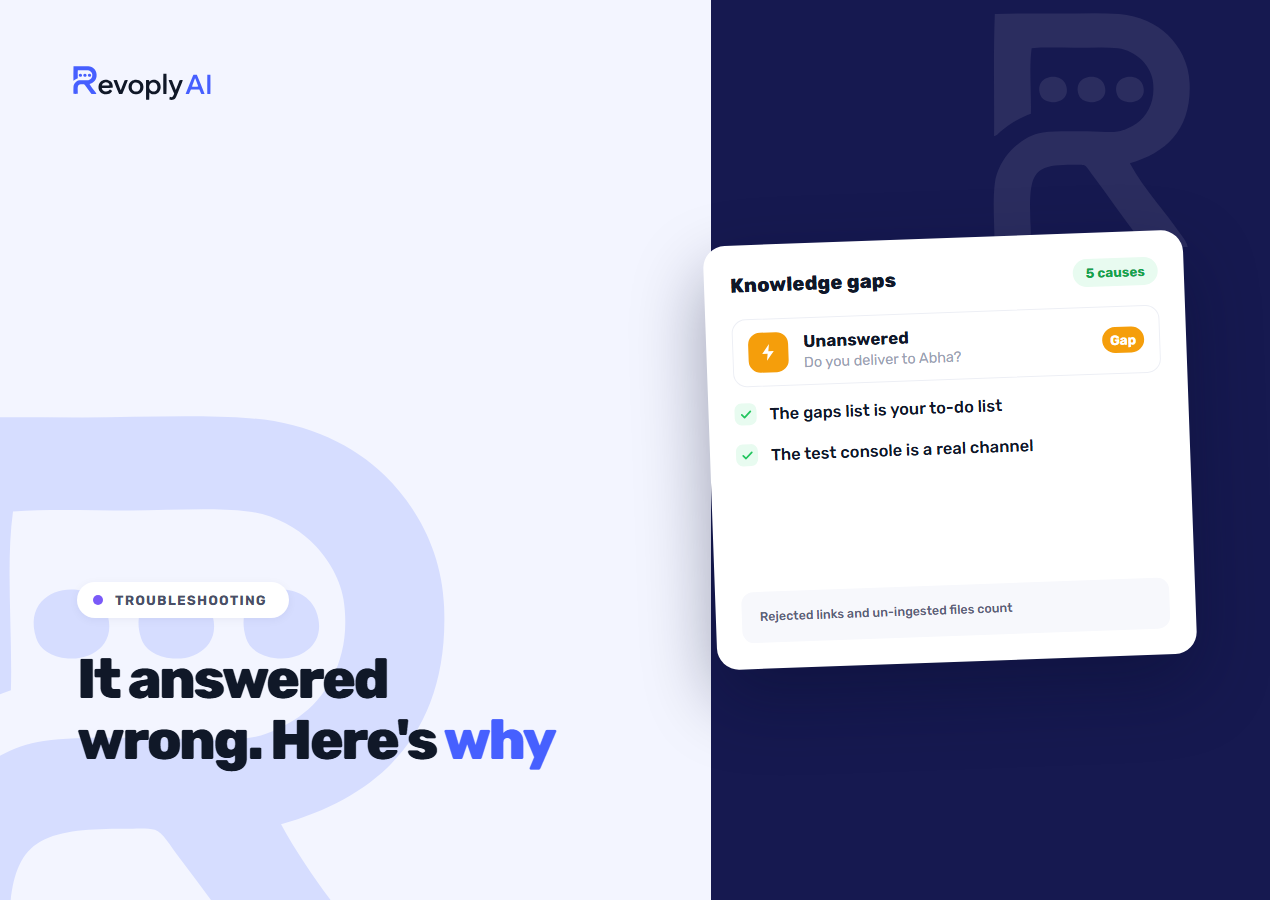
The KB gaps & analytics screen, under AI Assistant, gathers every question the assistant failed to answer well. Questions arrive there by three routes: the assistant passed the customer to a person because it did not know, it replied with nothing in the knowledge base behind the reply, or somebody on your team flagged one of its answers as wrong. Go through the list before changing anything. With it in hand, "the bot is dumb" turns into a to-do list, and that list tends to be shorter and sharper than expected: five or six questions that keep resurfacing, not a hundred.
Treat it as a queue. The Couldn't answer tab puts the most-asked question on top, so the first line is the fix that saves the most handovers. Write the right answer beneath it and pick Add to knowledge base: within a minute or two the assistant is using it, and the question moves over to the Learned tab, editable or removable whenever you like. Where your team already handled the customer after a handover, their reply sits there as the draft, so a check is often all it needs. Come back to the list after a week. Where people go wrong is rewriting the entire knowledge base in reaction to one bad conversation: too much changes at once, and you are left with no idea which change was the one that mattered.
On smaller plans, two details deserve attention. Learned answers sit outside your knowledge-base allowance, so the single knowledge base on the free plan is not a choice between your document and teaching the assistant. And dismissing a question keeps it on record rather than deleting it: ask it again and customers are counted against the dismissed entry instead of seeing it reappear as new.
Cause 1: the answer isn't in the knowledge base
It is the dull one, and it is more common than everything else put together. All the assistant has to answer from is what you gave it, so when nobody ever wrote down what happens at the weekend, a question about weekend delivery simply has no source behind it.
Fix: write it in, using the vocabulary your customers speak rather than the phrasing your operations team prefers. Where the gaps list shows people asking about a service you do not provide, record that as well. "We do not deliver outside Riyadh" counts as an answer, and it beats a hedge by a wide margin. For what earns a place in a knowledge base and what does not, see what to put in your AI knowledge base.
Cause 2: the answer is there, phrased so nothing finds it
This is the frustrating one. The answer sits in your knowledge base where you can see it, yet the assistant still went past it. What failed was retrieval rather than knowledge, and more often than not the source is written in vocabulary no customer would use. Ask when an order arrives and a page headed "Fulfilment SLA" is not going to come up.
Fix: put the customer's own question inside the source text. Headings shaped as questions earn their keep, because they hold the words people actually type. With Arabic the concern has shrunk compared with before: matching runs after normalisation, where the definite article is stripped, hamza forms are folded together and diacritics are removed, so a question in dialect can still reach a source written in Modern Standard Arabic. None of that is magic, though; somewhere along the line the vocabulary has to overlap.
Cause 3: the question was too long
Once a message passes roughly 300 words, the assistant asks for a shorter one instead of attempting an answer. People run into this when a customer pastes an entire order history, or sends a long complaint covering four separate issues.
Fix: there is no setting to change here, yet two measures pay off. Keep the route to a human handover easy to reach, since somebody writing 500 words generally wants an actual person. And when it keeps happening on one channel, trace what is generating it; a form on your site that dumps its contents into WhatsApp is a common culprit.
Cause 4: the source link was rejected
A URL went into the knowledge base, you took ingestion for granted, and it never happened. Rejected links do not half-work in silence; the content is simply absent, so the assistant answers as though you had never added it.
TikTok links are rejected. Anything of yours living on TikTok has never been in your knowledge base, whatever older documentation may have implied. Pages that require a login fall into the same category, as do pages generated entirely by scripts, because there is nothing readable to fetch.
Fix: go through the source list for anything that failed to ingest, and where a source was rejected, enter the content as text instead. When it is a video, the useful content is what was said, so a pasted summary does the job.
Cause 5: the file was never ingested
This is the cause shaped by your plan. Knowledge base file upload and URL ingestion are Pro and Business features. On Basic and Starter you get the text editor and the company profile, which are real tools but mean typing. So if you are on Starter and believed you had uploaded a PDF price list, you did not, and the assistant has been answering pricing questions without it all along.
Fix: your options are moving up to Pro, or pasting the important parts of the document into the editor. For a price list the second route is often enough, and it is free. The same point marks the practical difference between an assistant grounded in your own material and a general-purpose chatbot, which is the subject of a general chatbot against a trained support agent.
Correct a wrong answer from the inbox
Bad answers often catch your eye in a live conversation long before they surface in the gaps list. Hover over the assistant's reply in the inbox, pick Correct, and write the answer it owed the customer. Straighten out the customer's question too if it came in garbled, since future questions are matched against that text. One tick drops the same answer into your reply field as well, letting you send the customer the fix yourself. Nothing goes out on its own.
On its own, a correction changes nothing in the assistant. It waits in the Corrected tab until an owner or admin approves it, and only then does the assistant learn it. The design is intentional: agents propose, while whatever the assistant tells future customers is settled by the person answerable for the knowledge base. When an agent just wants a starting point, Draft a reply with AI writes one into the reply box to review and send.
Test it the way a customer would
What you test is what ships now, because the test console behaves exactly the way a real channel does. Before that, a difference between console and live behaviour could send you chasing a problem that existed in one of the two and nowhere else.
Run your tests on real questions taken from the gaps list, in the language and register customers actually use. The classic mistake is typing a clean, well-spelled rendition of the question: it passes, you decide the fix worked, and the real customer message with its typo and its dialect still fails.
Reading the channel breakdown
Statistics also breaks activity down by channel, and the comparison itself is diagnostic. Good answers on WhatsApp alongside poor ones on Instagram tell you the knowledge base is sound and something about that channel differs: shorter messages, different customers, different questions.
Give the failed messages view an equal share of attention. When failures cluster at one time of day, the usual suspect is an integration that dropped rather than anything the assistant did, and that calls for a different fix in a different place.
When the right answer is "I don't know"
Certain gaps deserve to stay gaps. Where the knowledge base genuinely does not cover something, the assistant says so and offers a person instead of improvising; that is the designed behaviour, not a failure of it.
Being clear on this matters, because the instinct after reading a gaps list is to fill in every line of it. Do not. Questions needing judgement, negotiation or access to something the assistant cannot see should reach a human every time. A short honest admission followed by a handover costs you nothing. A confident wrong answer about a refund is what costs you the customer.