Overview
A real person answers every way of reaching us on the Support page. Pick the one that suits you.
What you will achieve
- Reach the support team.
- Send the details that get you an answer faster.
Who this guide is for
Everyone.
Before you start
- You are signed in.
Reach us
Step 1: Open Support
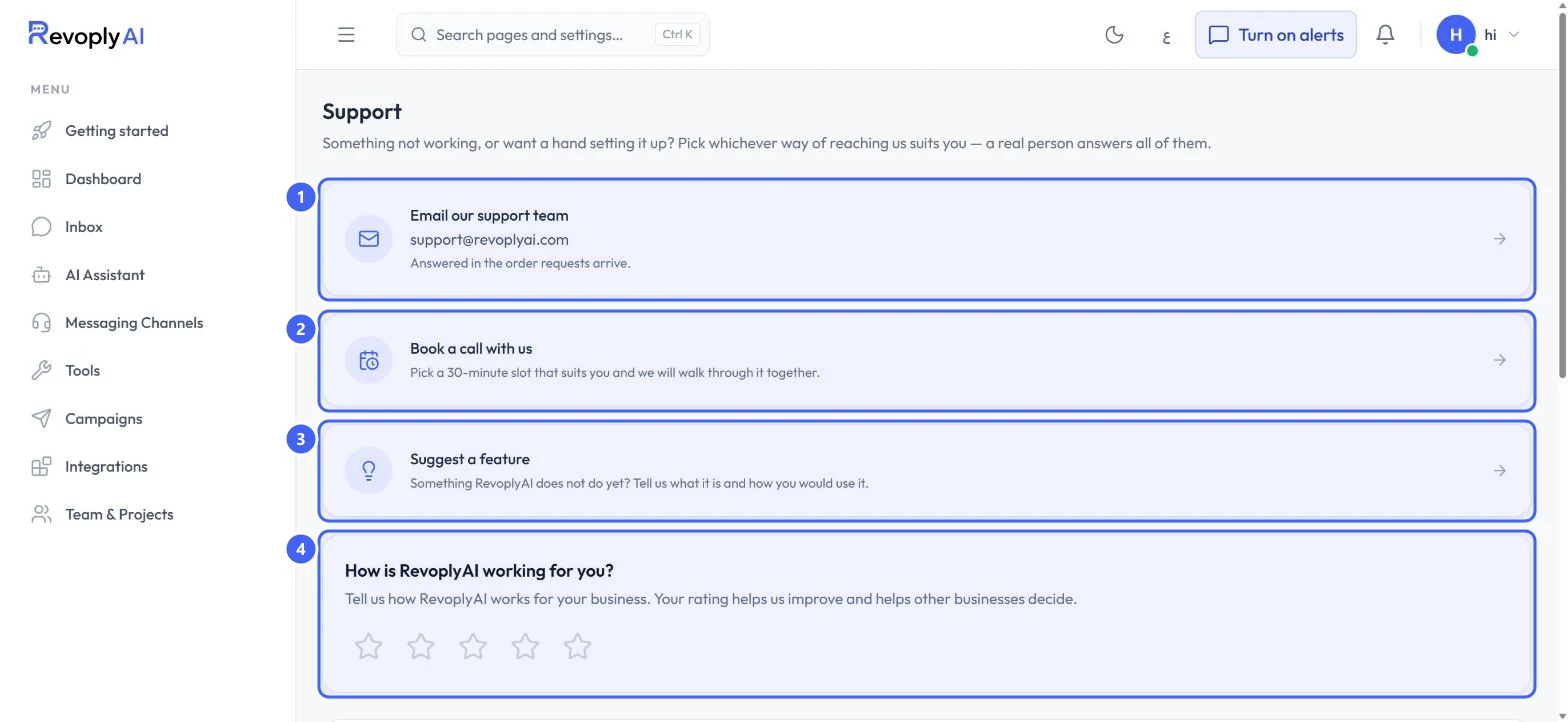
Select Support at the bottom of the menu. Email our support team 1 writes to [email protected]; requests are answered in the order they arrive. Book a call with us 2 picks a 30-minute slot. Suggest a feature 3 tells us what you would like RevoplyAI to do. Use the stars 4 to rate how RevoplyAI works for you.
 Open full size
Support.
- 1Email our support team
- 2Book a call with us
- 3Suggest a feature
- 4Rate RevoplyAI
Step 2: Include the right details
Say which page you were on, what you expected, and what happened instead. Name the channel if it is about one. Include the exact wording of any message the dashboard showed.
Do not put passwords, bot tokens or API keys in a support request.
Expected result
Your request reaches a person, with what they need to help.
Troubleshooting
I have not heard back yet.
Requests are answered in the order they arrive. The Support page notes when a plan changes that order.
Still stuck?
A real person answers every message. Tell us the page you were on and what you saw.