Aug 30, 2026
Never Miss an Escalation Again: Notification Rules
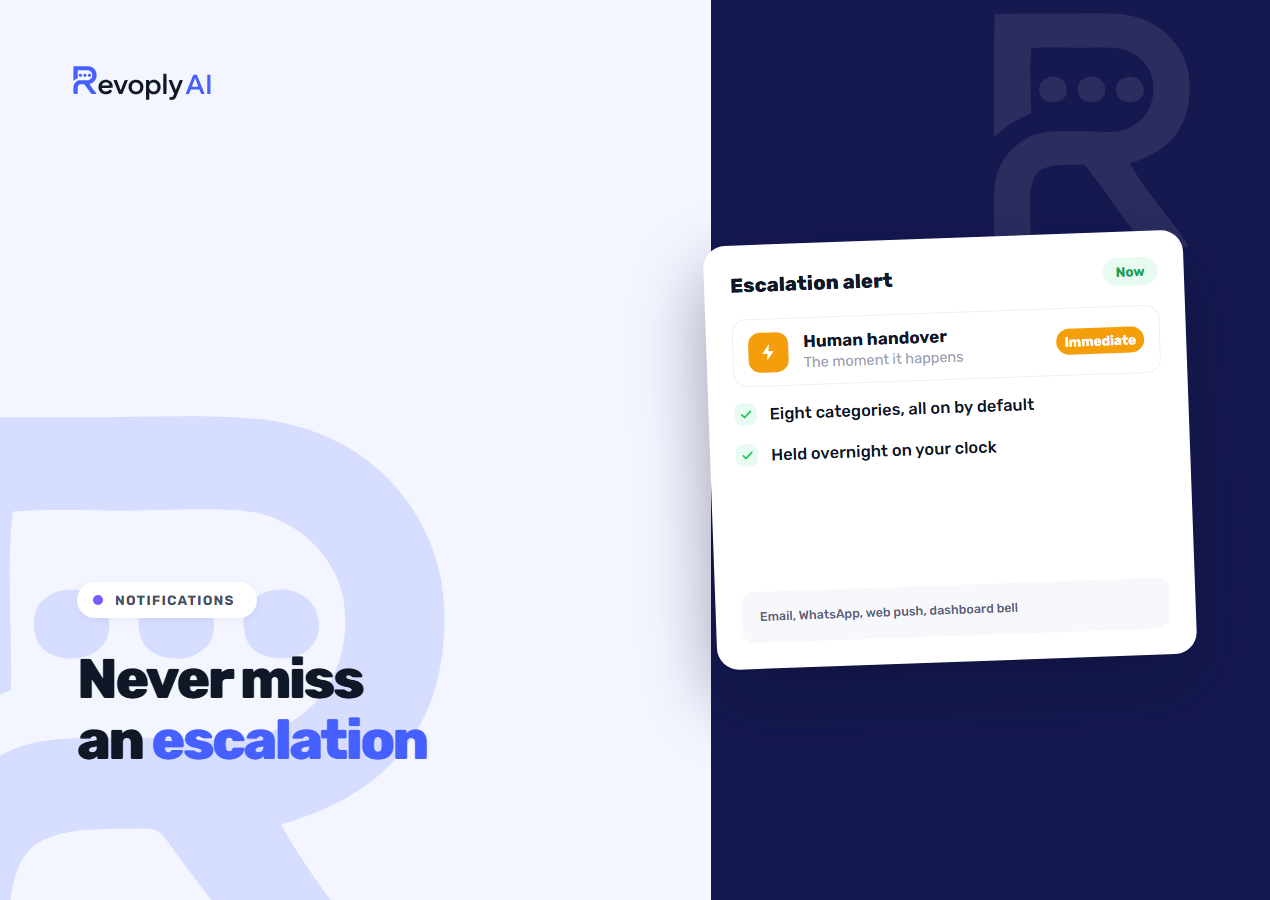
The expensive failure isn't the assistant giving a wrong answer. It happens when the assistant correctly concludes it can't help, passes the conversation to your team, and six hours go by before anyone notices. The notification settings exist to close that gap, and getting them right takes about five minutes.
The failure that actually costs you money
A customer asks something your knowledge base doesn't cover, and the assistant behaves as it should: it admits it can't answer and offers a person. That escalation is now sitting in your inbox. Leave it alone until the afternoon and the customer has had a worse experience than if you ran no automation at all, because they were told help was coming and then left waiting.
Every other category below earns its place, yet this one is why the feature exists at all. What shape the handover itself should take is a separate question, and it gets an answer in AI chatbot against human support.
The seven things we can tell you about
There are seven categories in three groups, and each one has its own switch:
- Human escalations (your customers): the assistant has handed a conversation over and a customer is waiting for a person.
- Appointments (your customers): a customer booked, rescheduled or cancelled.
- Billing and payments (your account): renewals, expiries and failed payments.
- Usage limits (your account): your plan's usage is running low, or has run out.
- Integration health (your account): a connected calendar or channel has stopped working.
- Setup guidance (from RevoplyAI): reminders to finish setting up your assistant.
- Product news (from RevoplyAI): new features and announcements.
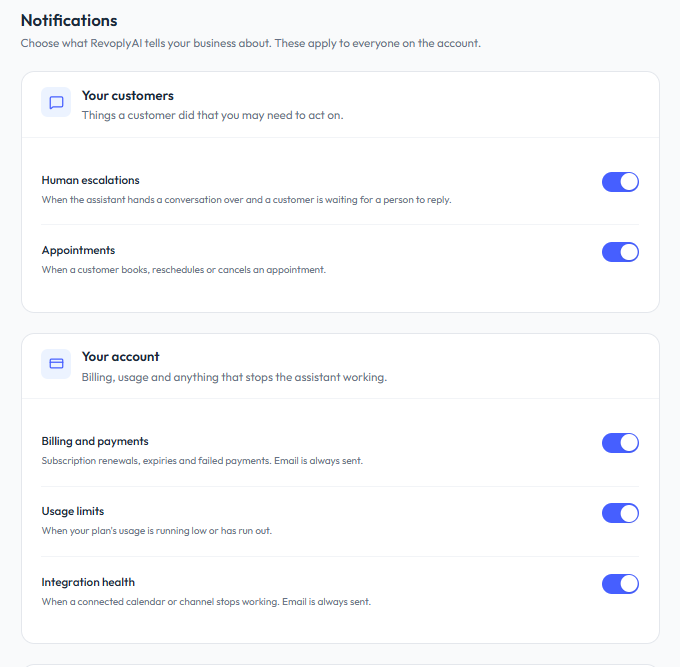
Two of those carry weight while the rest are informational. Human escalation is the first. Integration health is the second, and it is the one people forget: a WhatsApp connection that drops quietly never says so in your inbox, it shows up as a week that was quieter than usual.
Every switch applies to the whole account
The switches are account-wide. Turn one off and nobody on the team hears about that category, so this is a decision for the account owner rather than a personal taste. Everything starts switched on, which is noisy on purpose: we would rather you turn things down after watching them for a week than never learn that a category existed.
Two categories cannot be silenced completely. Billing and integration health always send an email, whatever the switch says, because a failed payment or a dead channel stops the assistant working and a missed email there costs real conversations. The switch still decides whether you hear about them anywhere else.
Alerts on your own laptop and phone
Separate from the account settings is a switch that belongs to one device: message alerts, the message icon in the top bar of the dashboard. It asks your browser for permission and then alerts that browser the moment a customer needs you, even while you are working in another tab.
It offers two scopes. Only when I am needed covers conversations you have taken over and ones the assistant escalates to a human. Every customer message alerts on everything, which suits a team that works the inbox all day and nobody else. Because it is a browser permission, each teammate turns it on for their own machine; switching a category on in the settings page will not make a silent laptop start ringing. On iPhone and iPad, alerts only reach an app on the home screen, so install the app first.
Your company clock
Your timezone is captured at signup, and it deserves a check, because several behaviours hang off it. Broadcasts run on your company's clock, so a campaign set for 10am leaves at 10am where your business is, not where the server is.
You will find the setting under company settings, given as a city plus an offset. When a team is spread over several timezones, the company setting governs scheduling, and individual users inherit it unless they configure one of their own.
Why the assistant needs to know your opening hours
The assistant draws on that same clock, and it changes two of its answers. Asked whether you are open right now, it replies correctly rather than reciting your hours and leaving the customer to work out the answer. Beyond your hours it hands the conversation over instead of promising a reply shortly, and that is the promise which breeds complaints once shortly turns out to mean eleven hours.
An assistant that knows the local time where you operate behaves differently from one that does not, and customers pick that up straight away even though the configuration behind it is small. Shaping out-of-hours behaviour is covered further in handling after-hours customer messages.
The set-up we'd recommend
For a small team, this is the starting point we would suggest, and you can tune it after a week of living with it:
- Human escalations: on. This is the alert that has to interrupt somebody.
- Integration health: on. A dead channel is an emergency you would otherwise catch late.
- Appointments: on if you take bookings, off if you take a great many and check the list daily anyway.
- Usage limits: on. Running short mid-week is worth hearing about in advance.
- Billing and payments: on. The email arrives either way; the switch only adds the other places.
- Setup guidance: on until the assistant is live, then off.
- Product news: your call.
- Message alerts: on for everyone who answers customers, set to Only when I am needed.
Before you close the page, confirm the timezone is correct. Of every setting on this screen, it is the one that quietly shapes all the others.