Aug 24, 2026
Your AI Can Now Read the Photos Customers Send
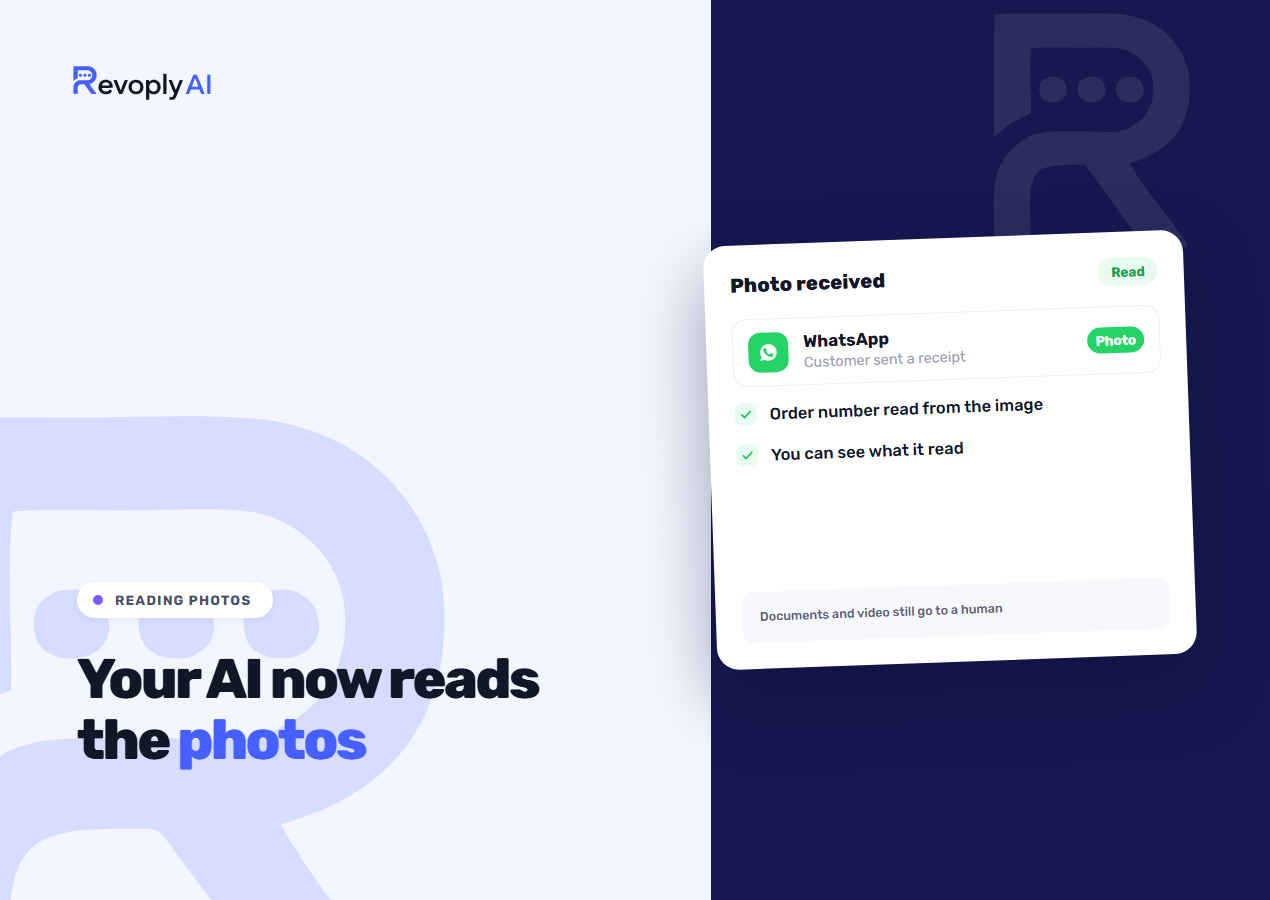
On the Pro and Business plans, your assistant now reads the photos that customers send you, and the feature comes switched on by default. Whether it is a receipt photographed on paper, an order captured as a screenshot, or a picture of the very product they mean, all three get understood and answered rather than sitting in the inbox until a person is free.
The three photos Gulf customers actually send
We reviewed what was reaching human agents before this shipped, and it turned out that nearly every image arriving on a business number falls into one of three kinds. The long tail was far shorter than we had assumed.
A photographed receipt
A paper receipt or a bank transfer confirmation gets photographed and sent over with no message attached at all. The assistant picks the amount, the date and the reference number out of the image, checks them against what it knows, and answers about that particular payment. Until now this meant a person squinting at a photo taken at an angle in poor light, which is exactly the sort of work nobody wants at 11pm.
A screenshot of an order
A customer captures their order confirmation and asks where the order is. Because the order number is visible right there in the image, the assistant extracts it and answers on the spot, instead of asking the customer to type out a number they can plainly see they already sent. Making someone retype what they showed you moments ago may be a small thing, yet it comes across as not paying attention.
A picture of the product they mean
This is the case that used to fail completely. The customer photographs a shelf, or an item bought last year, or a screenshot taken from your own Instagram, then asks whether you stock it, what it costs, or if it comes in another size. The assistant describes what the image contains and matches that description against your knowledge base. It will not always land, and when it is unsure it says so and offers a person rather than guessing at a product name.
You can see exactly what it read
Each described image leaves its description behind in the conversation in the inbox, so your team can check what the assistant understood before it replied. That matters whenever an answer goes wrong: you can see straight away whether the image was misread, or read correctly and then answered badly, and those are different problems with different fixes. The description sits alongside the rest of the thread in the unified inbox, whichever channel the photo arrived on.
What it still doesn't read
Photos only. Documents, video, location pins, shared contacts and stickers continue to be passed to a human agent untouched. A PDF invoice counts as a document rather than a photo, so it routes to a person even though a photograph of that same invoice would be read. That distinction is deliberate: documents are where sensitive material tends to live, and we would rather a person handled them.
Voice notes belong to a separate feature that already worked before this release, with a limit of two minutes and four megabytes per note. You can read more in how the assistant handles voice notes.
Switching it off
A single toggle in the bot configuration turns it off in a second, and no support ticket is needed. Once it is off, inbound photos behave the way they used to: they arrive in the inbox and wait for a person. Some businesses want exactly that, usually because their customers send images containing personal information and they would rather no automated reply ever referenced it.
Plans, and the daily cap
The feature is on by default for Pro and Business. A fair use cap applies: 30 described images per conversation per day. No ordinary customer conversation comes close to that figure, and it stops one automated sender from running up your token usage. Basic and Starter keep the previous behaviour, where text and voice messages are read and photos go straight to a human.