Jul 22, 2026
Send Bulk WhatsApp Messages Without Getting Banned
Pushing one message out to hundreds of customers in a single send can accelerate your growth faster than almost anything else, yet handled badly it also gets numbers banned faster than almost anything else. Companies that fire off bulk messages from a personal WhatsApp account or a grey-market tool typically see their number gone within days. What follows shows how to send bulk WhatsApp messages safely: the official channel, consent, warm-up, and the sending limits that protect your account's health.
Why Bulk Messages Get Numbers Banned
WhatsApp's spam systems track behaviour patterns, not message content alone. When a number abruptly fires hundreds of identical messages at people who never opted in, that pattern reads as spam and gets handled as spam. The biggest triggers are:
- Sending from the consumer app or an unofficial tool rather than the official Business API.
- High block and report rates, since recipients caught off guard by your message hit "Block".
- A cold, unverified contact list where no prior relationship exists.
- A brand-new number that sends at full volume from day one, carrying no history at all.
Rule 1, Use the Official WhatsApp Business API
Nothing else matters as much as this step. Sending at scale has exactly one compliant route, the official API, and that is what platforms like RevoplyAI hook you into as a verified Meta Tech Provider. Broadcasts dispatched through this route obey WhatsApp's rules, so they avoid the ban risk attached to unofficial "WhatsApp sender" apps that automate the consumer app.
Rule 2, Only Message People Who Opted In
What separates a broadcast from spam is consent. Write to customers who handed you their number and agreed to receive your messages: past buyers, people who contacted you first, and sign-ups. A list built on opt-ins holds your block rate down, and that is the metric WhatsApp weighs most heavily. Buying contact lists is something you should never do.
Rule 3, Use Approved Template Messages
Opening a conversation with a customer beyond the 24-hour window requires a template message that WhatsApp has pre-approved. Templates hold your outreach inside policy, and they are the right format for promotions, reminders, and updates. Our guide to WhatsApp template messages covers writing them and getting them approved.
Rule 4, Warm Up New Numbers and Respect Limits
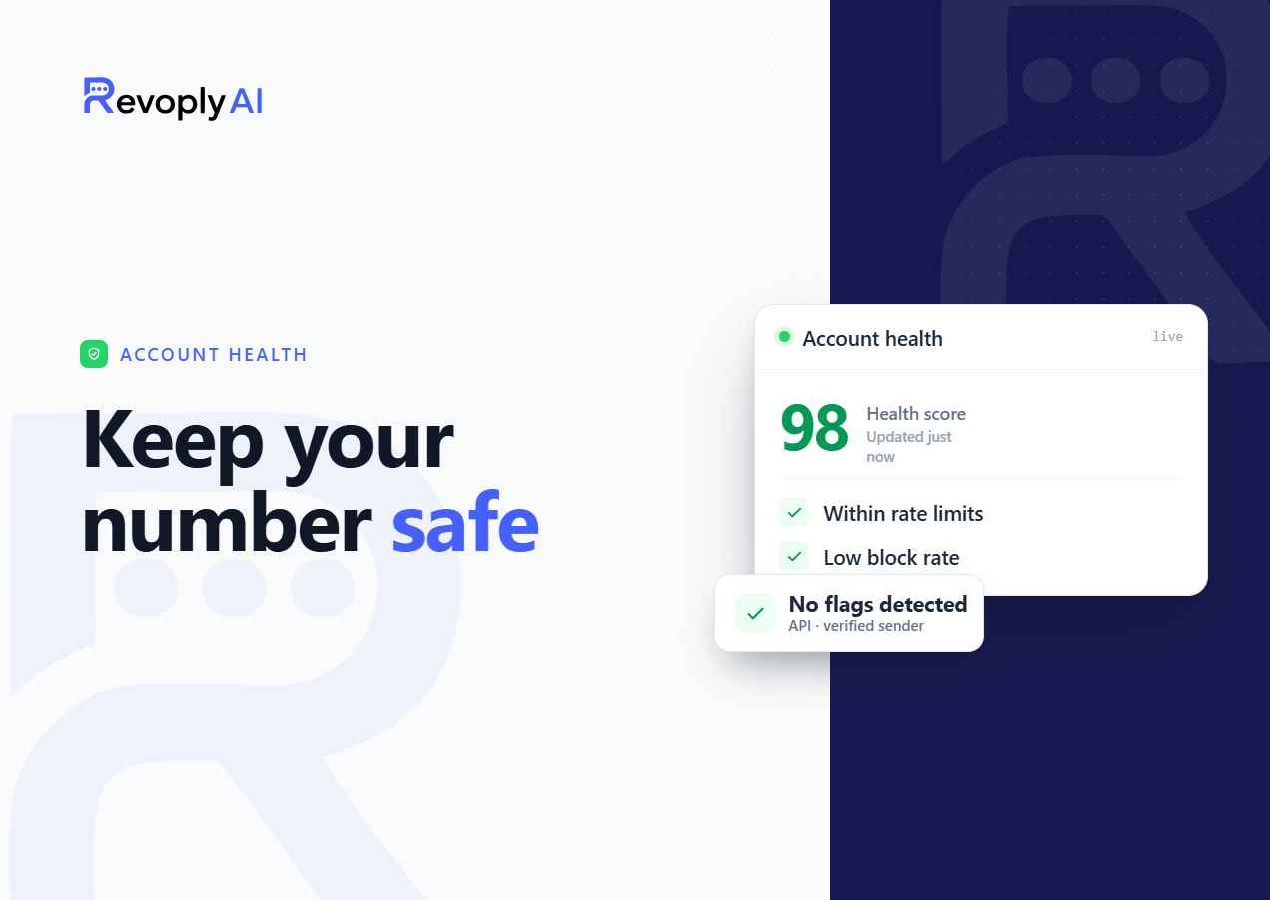
Ramp a new number up in stages instead of blasting thousands of messages on day one. Warm-up establishes a positive trust score ahead of any scaling. RevoplyAI's built-in warm-up program grows your daily allowance on its own and holds whatever exceeds today's safe limit in a queue for later days, so even a big campaign never jumps past a healthy threshold.
Rule 5, Send Value, Not Just Promotions
Add personalisation wherever possible, hold frequency at a sensible level, and give recipients a solid reason to remain subscribed. Order updates that actually help, timely reminders, and offers that fit the audience draw replies rather than blocks. No trick shields your number the way a strong response rate does. For the wider context, see how to automate WhatsApp without ban risk.
How RevoplyAI Sends Bulk Messages Safely
Broadcasts run through the official API on RevoplyAI, which sends your approved templates at a pace you set, spread over days inside your plan's daily limit, and collects every reply in one unified inbox where your AI agent can respond to whoever writes back. That gives you the full reach of bulk messaging without putting your number on the line. Plans, limits and costs are on our WhatsApp broadcast tool page.
Frequently Asked Questions
How many WhatsApp messages can I send per day without a ban?
No universal figure exists here, because the answer turns on your account's trust tier and its history. Fresh numbers begin at a low volume and climb as their reputation grows. Playing it safe means warming up and allowing the system to lift your daily limit step by step instead of pushing a big batch out straight away.
Are bulk WhatsApp sender apps safe?
Bans most often trace back to unofficial "sender" apps that drive the consumer WhatsApp app through automation. The compliant, lower-risk path to many customers is sending over the official Business API, which is exactly how RevoplyAI operates.
Do I need message templates for every broadcast?
Starting a fresh conversation past the 24-hour customer-service window does require a pre-approved template, yes. The moment a customer answers, though, you may converse freely for 24 hours with no template needed.