Jun 2, 2026
WhatsApp Template Messages: The Complete Guide
WhatsApp template messages are pre-approved message formats that businesses must use to start a conversation or reach a customer outside the 24-hour customer-service window. Because WhatsApp reviews and approves each template before it can be sent, they are the only compliant way to send broadcasts, reminders, or notifications to contacts who haven't messaged you recently. This guide explains how they work and how to build them.
What are WhatsApp template messages?
A template message is a structured message format that you submit to WhatsApp for review in advance. Once approved, you can send it to any opted-in contact, even one you've never spoken to before or haven't heard from in weeks. Templates can include a header (text, image, or document), a body with personalized variables, a footer, and interactive buttons. They are the backbone of every proactive WhatsApp campaign, from order confirmations to promotional broadcasts.
This is different from a normal reply. When a customer messages you first, you can respond with any free-form text you like. But the moment you want to initiate contact or continue a conversation after a day of silence, WhatsApp requires that first message to be a pre-approved template. Understanding this distinction is the single most important thing about messaging on the WhatsApp Business API.
Why does WhatsApp require templates? The 24-hour window
WhatsApp's entire messaging model revolves around a concept called the customer service window. When a customer sends you a message, a 24-hour window opens. During that window, you can reply with unlimited free-form messages, text, images, and anything else, at no per-message template cost and without needing approval.
The moment 24 hours pass since the customer's last message, the window closes. After that, you can no longer send free-form text. The only way to re-open the conversation is to send an approved template message. WhatsApp built this rule to protect users from spam: it guarantees that businesses can't bombard people with unsolicited marketing, and that any proactive outreach has been vetted in advance. This is why WhatsApp template messages exist, they are the controlled gateway for business-initiated contact. It's also why respecting this system is central to automating WhatsApp without ban risk.
What are the template categories?
Every template you submit must be assigned to one of three categories. WhatsApp uses the category to decide how the message is priced and how strictly it is reviewed:
- Marketing: Promotions, offers, product announcements, newsletters, and re-engagement messages. This is the category for broadcast campaigns. It faces the strictest review and users can opt out of marketing messages at any time.
- Utility: Transactional updates tied to a specific action the customer took, order confirmations, shipping updates, appointment reminders, payment receipts. These are informational, not promotional, and are generally approved more easily.
- Authentication: One-time passcodes and verification codes. These follow a fixed, restricted format designed purely for account security.
Choosing the right category matters. If you submit a promotional message as Utility to save cost, WhatsApp will re-categorize or reject it. Be honest about intent, a message that sells something is Marketing, full stop.
How does template approval work (and why templates get rejected)?
After you submit a template, WhatsApp reviews it, often within minutes, sometimes up to 24 hours. The review checks the content against WhatsApp's Business and Commerce policies. Approved templates become immediately available to send; rejected ones come back with a reason so you can fix and resubmit. The most common reasons for rejection are worth memorizing:
- Wrong category: Submitting promotional content under Utility or Authentication.
- Variable errors: Variables with no sample content, mismatched numbering, or a template that is almost entirely variables with little fixed text.
- Formatting problems: Broken parameters, trailing spaces around variables, or special characters used incorrectly.
- Prohibited content: References to restricted products, misleading claims, or content that looks like it could be abusive or spammy.
- Unclear or generic text: A message so vague that a reviewer can't tell what it's for.
If a template is rejected, you don't lose anything, you simply adjust the copy or category and resubmit. Most rejections are fixed in a single revision once you know what triggered them.
How do variables and buttons work?
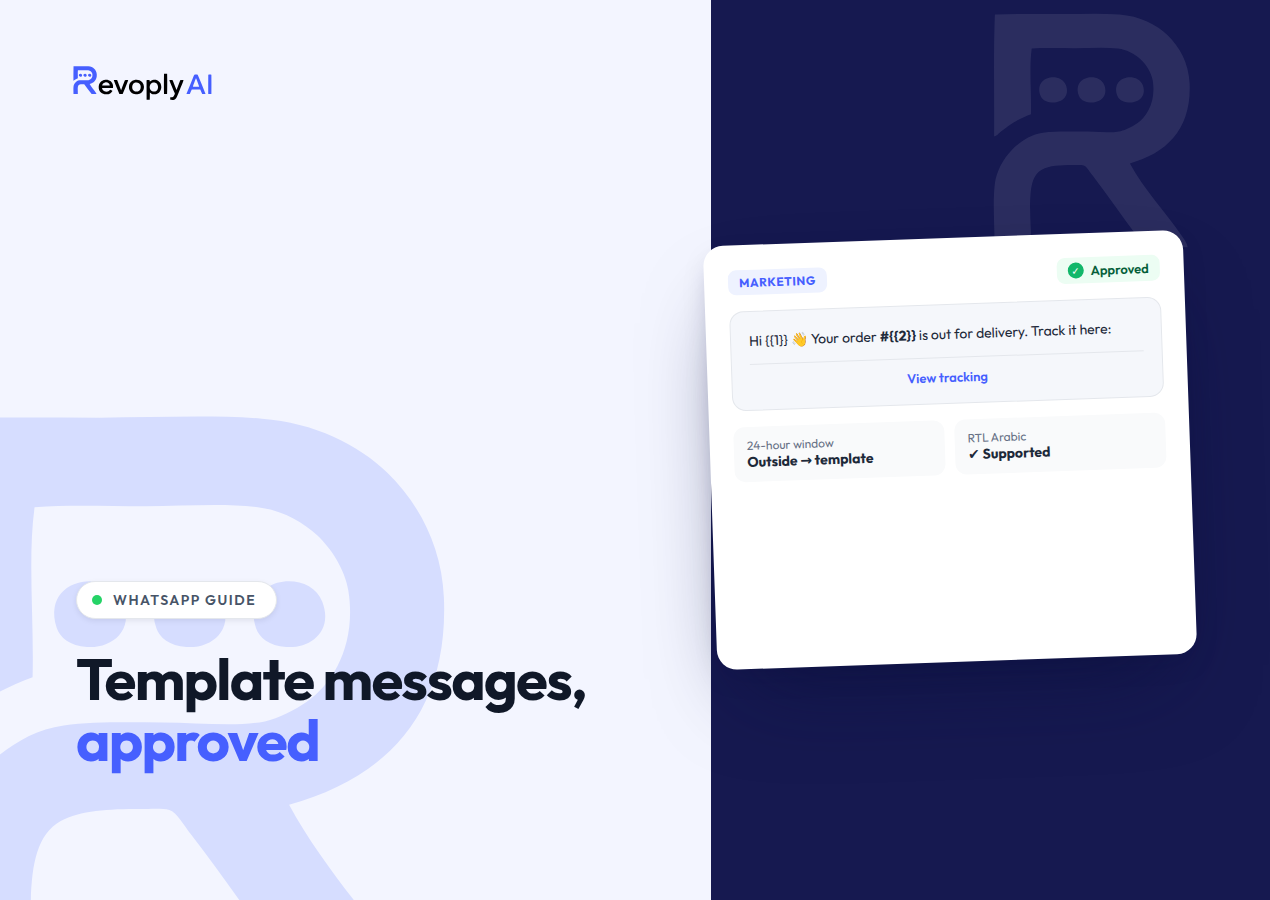
Variables are placeholders, written as numbered tokens like {{1}}, that get filled in with real values when the message is sent. A template body of "Hi {{1}}, your order {{2}} has shipped" becomes "Hi Sara, your order #1043 has shipped" for each recipient. This is what makes a single approved template usable across thousands of personalized broadcasts. WhatsApp requires you to provide a sample value for every variable at submission time so the reviewer can see how the finished message reads.
Buttons add interactivity. There are two types: quick-reply buttons, which send a predefined response back to you when tapped (useful for "Confirm" or "Cancel"), and call-to-action buttons, which open a URL or dial a phone number. Buttons dramatically improve response rates because they give the customer a single, obvious next step instead of asking them to type.
Tips for Arabic templates
Arabic templates need extra care beyond a straight translation. WhatsApp renders Arabic right-to-left, so mixing Arabic text with left-to-right elements like order numbers, links, or English product names can produce awkward or scrambled layouts. Test how each variable displays inside Arabic body text before you rely on it in a live campaign.
- Respect RTL flow: Place variables where they read naturally in Arabic, and preview messages that combine Arabic words with Latin numerals or URLs.
- Match the dialect and tone: Professional Modern Standard Arabic works for most audiences, but a warmer, region-appropriate tone can lift engagement in Gulf, Levant, or North African markets.
- Keep it concise: Arabic can run longer than English; tight copy avoids truncation and reads better on mobile.
Getting the tone right for the region is a recurring theme in WhatsApp marketing across the MENA region, where audiences respond far better to messages that feel written for them than to literal translations.
Creating templates in RevoplyAI
RevoplyAI includes a built-in template-message builder so you can create, submit, and use approved templates without leaving the dashboard. The workflow is straightforward:
- Build the template, choose a category, write the header, body, and footer, add your numbered variables, and attach quick-reply or call-to-action buttons.
- Submit for approval directly from the dashboard. RevoplyAI sends it to WhatsApp through the official Business API and tracks its status for you.
- Use it in a broadcast, once approved, the template appears in your broadcast composer, where you map each variable to a contact field and send to your opted-in lists.
Because RevoplyAI runs on the official WhatsApp Business API as a verified Meta Tech Provider, your templates and broadcasts are fully compliant, no gray-area workarounds. If you're sending your first campaigns from a new number, pair your approved templates with a proper number warm-up so you build a healthy sending reputation from day one.
With RevoplyAI you get the template builder, broadcasts, a unified inbox, and an Arabic-first AI agent grounded in your own knowledge base, all in one place, with setup in under 15 minutes and no code.
Frequently Asked Questions
Do I need a template to reply to a customer who just messaged me?
No. When a customer messages you, a 24-hour customer-service window opens and you can reply with any free-form message during that time. You only need an approved template to start a new conversation or to message a customer after their 24-hour window has closed.
How long does template approval take?
Most templates are reviewed within a few minutes, though WhatsApp allows itself up to 24 hours. Utility and authentication templates tend to clear faster than marketing ones because they face lighter scrutiny. If a template is rejected, you can fix the flagged issue and resubmit immediately.
Can I edit a template after it's approved?
You can edit certain elements of an approved template, but meaningful changes to the body text or category will send it back through review. In practice, it's often cleaner to create a new template version for a significantly different message. In RevoplyAI you can manage multiple templates and pick the right one at broadcast time.