Oct 4, 2026
Product Catalog With a Store Link for WhatsApp
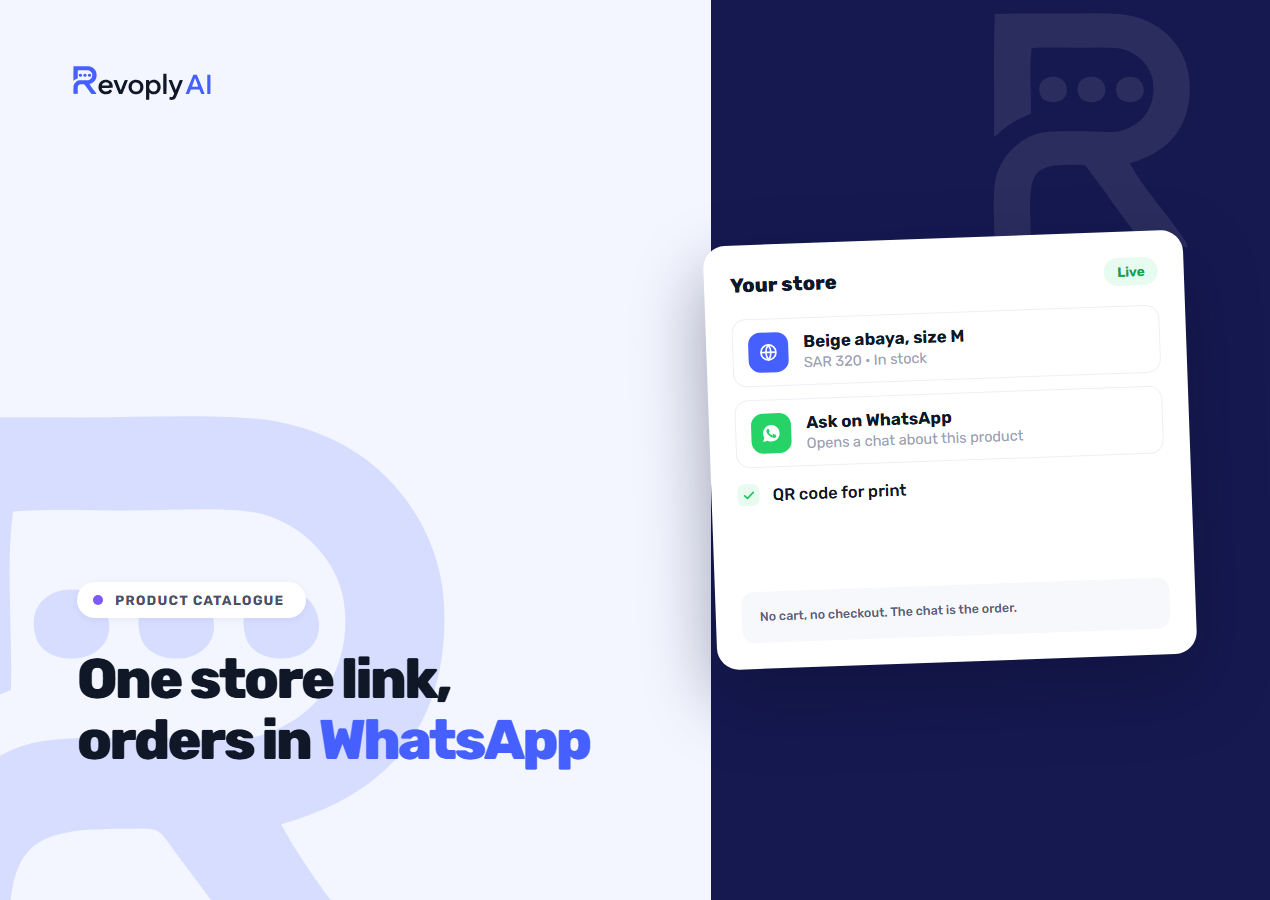
Every RevoplyAI plan now includes a product catalogue, and that catalogue can go live as a store page behind a single link and a single QR code. Visitors look through your products, photos and prices there, then hit Ask on WhatsApp. The page carries no cart and no checkout. You settle the order inside the chat, where your assistant already knows which item the visitor had open.
The feature went live on 2 October 2026. This guide walks through what you put into the catalogue, what the store page displays, how the assistant sells from it, and where its limits sit.
What goes into the catalogue
Go to Catalog and hit Add product. A quick dialog collects the basics, while the full product page handles everything else: brand, a short and a long description, tags, a category, plus a link to the item on your own website if it has one.
Sizes and colours work as options, and every combination turns into a variant carrying its own price, crossed-out old price, SKU and availability state: in stock, out of stock, or pre-order. One product supports 200 variants and 50 photos. Upload photos as JPEG or PNG up to 5 MB, or paste them as links, and star one as the main photo.
All prices use a single store currency. Notes like cost or supplier belong under Private details, visible to owners and admins only. The store page cannot show them and the assistant cannot read them.
Filling it without typing everything
- Fill in from the photo. Send in a product photo and a draft of the name, description, category and tags is prepared for your review. No draft ever includes a price. That one you enter yourself.
- Suggest synonyms. These are the terms shoppers really type when looking for an item, so "trainers" leads to what you saved as "sneakers".
- Import. Paid plans accept an Excel or CSV file holding up to 50,000 rows. Column names in Arabic work, and a preview marks what is new, updated or wrong before anything gets saved. You can also edit an exported file and bring it back in.
- Bulk actions and quick edit. Adjust prices up or down by a percentage, close a sale, flag chosen items as out of stock, or fix prices and stock right from the list.
An online product catalog with one link
Turn on Public store inside Store settings and choose the store address. Your store then sits at app.revoplyai.com/s/your-name, with a separate page for each product underneath it. It behaves like an online catalog maker should: active products in a grid with photos and prices, search, sections built from your categories, and a Share button. Featured items lead the page. Some call this a WhatsApp shop, others a digital catalog. Either way, it is one page listing everything you sell.
A product page gives you the photos, an option picker, the price alongside the old price, and the stock state. The only action on it is Ask on WhatsApp. It starts a chat with your number carrying a prewritten message that names the product and the option the visitor picked. If no WhatsApp number is connected, no button appears, so hook up the number first.
Every store and every product carries a QR code too, in PNG or SVG for printing. A café can set it on tables as a menu, and a shop can stick it on the window or the bag. Pick the store address with care: changing it afterwards breaks shared links and printed codes.
Nothing in draft or archive appears. The store pages run no analytics, session recording or cookies. Free-plan stores show a small Made with RevoplyAI line at the bottom; paid plans do not.
How the assistant sells from it
If a shopper comes in from the store, the assistant receives the product, the option, its price and its availability, so its opening reply is already about that item. For any other product question it searches the catalogue rather than guessing, and it matches meaning, not just wording.
It tells shoppers whether an item is available, but never how many units remain, and the store page stays equally quiet on counts. If something is sold out, it suggests up to two in-stock items from the same category at a similar price, and it never invents a restock date. If nothing matches, it states that it found no match. It will not claim you do not sell the item.
When Send product photos is on, and it is on by default, the assistant adds up to three photos after an answer, each captioned with the name, option and price. Photos use no AI credits. On Pro and Business the reverse works as well: the customer sends a photo and the assistant hunts for the matching product, as covered in how the assistant reads customer photos.
The same shortcut exists for your team. In the inbox, the bag button next to the paperclip is Send a product: search, choose an option, and the customer receives the photo, the price and the link.
What the catalogue tells you back
A health strip flags products missing a photo, missing a category, carrying a photo problem, or out of stock. Searched for, not found lists what shoppers asked the assistant for over the last 30 days that your catalogue does not hold. From there you either add the product or mark it as something you already sell, which turns those words into a synonym. The store card counts the visitors who messaged you from the store in the last 30 days and names the three products they asked about most.
Where it stops
This is a catalogue with a storefront attached, and it deliberately stays clear of what a full ecommerce platform handles. It takes no payments, creates no orders and books no delivery. If your WhatsApp selling works by settling the order in a chat and collecting money by transfer or on delivery, it fits as it stands. If you need a cart and card checkout, keep your existing shop and run the catalogue so the assistant can answer product questions, which is the setup described on the page for online stores. The wider playbook is in WhatsApp for ecommerce.
What each plan includes
| Plan | Products | Store page | Excel and CSV import | Matching customer photos |
|---|---|---|---|---|
| Basic (Free) | 10 | Yes, with the footer line | No | No |
| Starter ($9) | 100 | Yes | Yes | No |
| Pro ($29) | 1,000 | Yes | Yes | Yes |
| Business ($59) | 5,000 | Yes | Yes | Yes |
The limit ignores archived products. Ten products are enough to test the store page with your best sellers before you pay anything. The remaining plan differences live on the pricing page.