Jul 18, 2026
WhatsApp vs WhatsApp Business: What's the Difference?
If you run a business in the Gulf or the wider Arab market, you have almost certainly asked whether you should keep using regular WhatsApp or switch to WhatsApp Business. They look nearly identical, share the same chats, and both are free, so what actually changes? This guide breaks down the difference between WhatsApp and WhatsApp Business, plus the third option many owners miss: the WhatsApp Business API, which is where real AI automation lives.
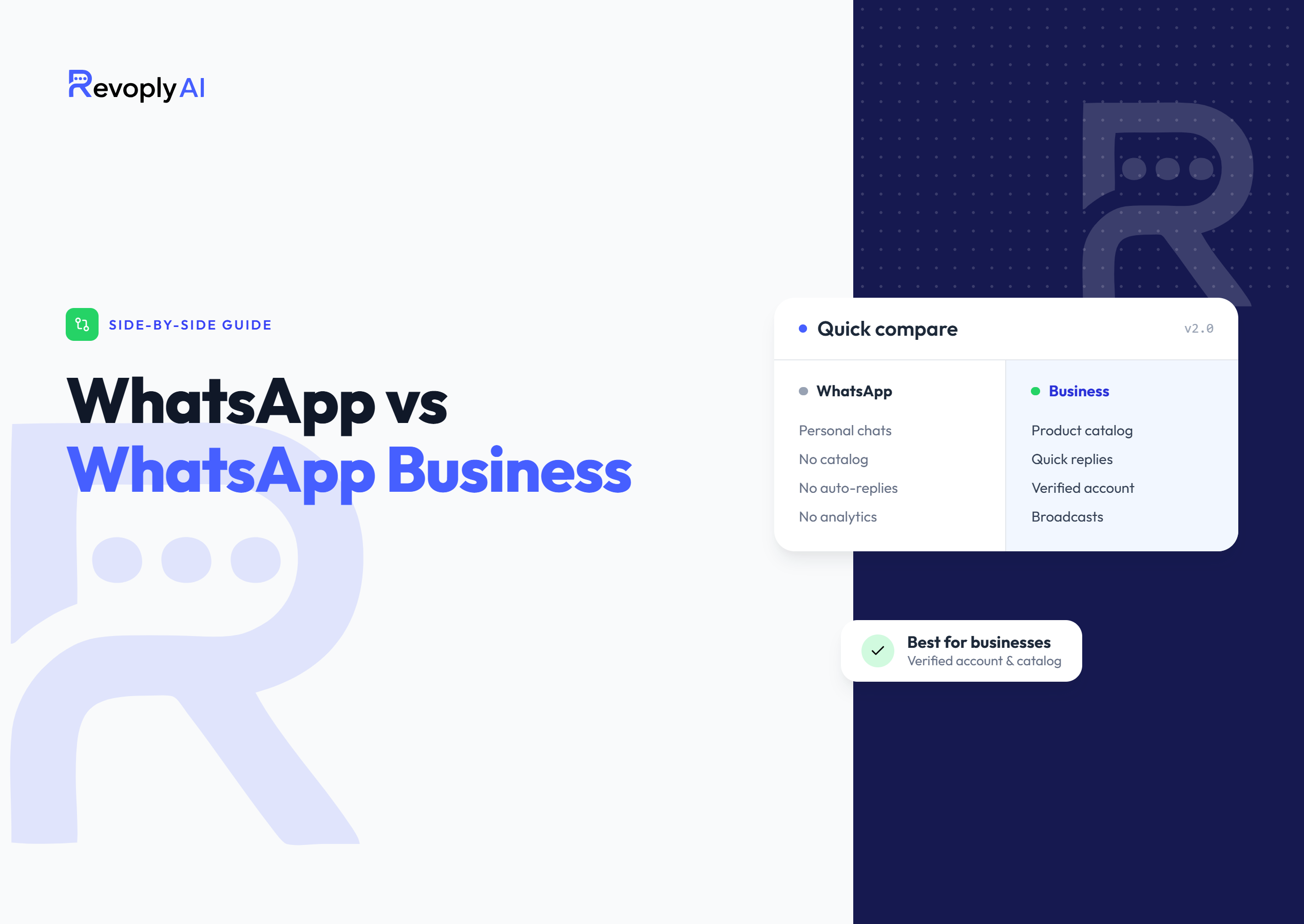
WhatsApp vs WhatsApp Business at a glance
Before the details, here is a side-by-side view of the two consumer apps most owners compare. The table focuses on stable, well-known behavior rather than numbers that change over time.
| Feature | WhatsApp (personal) | WhatsApp Business |
|---|---|---|
| Made for | Chatting with friends and family | Small businesses talking to customers |
| Business profile | No, just a name and photo | Yes, address, hours, website, description |
| Product catalog | Not available | Built-in catalog to showcase products |
| Automated messages | None | Greeting, away and quick-reply messages |
| Labels & organization | Not available | Color labels to sort chats and orders |
| AI & true automation | No | Basic only, full AI needs the Business API |
| Price | Free | Free app |
What is regular WhatsApp?
Regular WhatsApp, often called WhatsApp Messenger, is the personal app almost everyone in the region already has. It is built for private conversations: chatting, calling, and sharing photos with friends and family. You get a name and a profile picture, but nothing that tells a customer you are a real business. There is no address, no opening hours, no catalog, and no way to set an automatic reply when you are asleep or busy.
Many small shops start out serving customers on their personal WhatsApp, and it works at first. The problem shows up as you grow: messages pile up after hours, you retype the same answers all day, and personal chats mix with business ones. That is exactly the gap WhatsApp Business was created to close.
What is WhatsApp Business?
WhatsApp Business is a separate, free app built by Meta for small businesses. It sits on top of the same messaging you already know but adds tools designed for serving customers. The headline additions are:
- Business profile, show your address, opening hours, website, email and a short description so customers trust who they are messaging.
- Product catalog, present your products or services with photos, prices and descriptions right inside the chat.
- Automated messages, set a greeting message for new contacts, an away message for outside working hours, and quick replies for questions you answer all the time.
- Labels, organize chats and customers with color labels like "new lead," "paid," or "pending" so nothing slips through.
- Messaging statistics, see how many messages were sent, delivered and read.
For a deeper walkthrough of setting it up the right way, see our WhatsApp Business guide for small businesses.
Can I use both on the same phone?
Yes, but not with the same number. WhatsApp and WhatsApp Business are two separate apps, and each phone number can only be registered to one of them at a time. Most owners keep their personal number on regular WhatsApp and register a second number (often a second SIM or an eSIM) on WhatsApp Business. That way your private chats stay private and your business conversations live in their own app. If you try to use the same number, WhatsApp will move it from one app to the other rather than run both.
The part most owners miss: WhatsApp Business API
Here is the key point that gets lost in most "WhatsApp vs WhatsApp Business" comparisons. The WhatsApp Business app is great for a solo owner or a very small team, but its automation is basic, a greeting, an away message and canned quick replies. It cannot understand a question, pull the right answer from your price list, or reply intelligently in Arabic at 2 a.m.
That is what the WhatsApp Business API (also called the WhatsApp Business Platform) is for. It is not another app you download, it is the official channel Meta provides so software can connect to WhatsApp safely. It enables real AI replies, multiple agents on one number, message templates for re-engaging customers, and connections to your other tools. Because it is the sanctioned route, it is also the ban-safe one, the opposite of unofficial "automation" add-ons that risk your number. Our guide on how to automate WhatsApp without ban risk explains why the official API matters.
RevoplyAI connects through the official WhatsApp Business API as a verified Meta Tech Provider. That means your AI assistant answers customers 24/7 from a knowledge base trained on your own data, in Arabic and other languages, while your number stays compliant and healthy.
Which one should you choose?
A simple way to decide: if you only chat with friends and family, regular WhatsApp is all you need. If you are a small business or solo owner handling a manageable number of messages by yourself, the free WhatsApp Business app gives you a professional profile, a catalog and basic auto-replies. And once you are getting more messages than you can answer on time, or you want an AI assistant that replies instantly in Arabic, qualifies leads and never sleeps, that is the moment to move to the WhatsApp Business API with a platform like RevoplyAI.
Frequently Asked Questions
Is WhatsApp Business free?
Yes. The WhatsApp Business app is completely free to download and use, just like regular WhatsApp. Costs only appear if you move to the WhatsApp Business API, which uses conversation-based pricing for businesses that need automation and scale.
Will my customers see a difference when I switch to WhatsApp Business?
Yes, in a good way. They will see a proper business profile with your details, can browse your catalog, and may receive instant greeting or away messages. The chat experience on their side stays the same familiar WhatsApp, they do not need to install anything new.
Do I need the WhatsApp Business API to use AI replies?
Yes. The WhatsApp Business app only offers basic canned messages. To have an AI assistant that understands questions and answers accurately from your own data, you need the official WhatsApp Business API, which is exactly what RevoplyAI connects to. You can also add pre-approved WhatsApp template messages for reaching customers outside the 24-hour window.
Whether you are on the WhatsApp Business app today or ready for the API, RevoplyAI lets you answer every customer instantly from a single unified inbox with an AI trained on your own data, so growth never means slower replies.