May 7, 2026
WhatsApp Business App vs API: Which Do You Need?
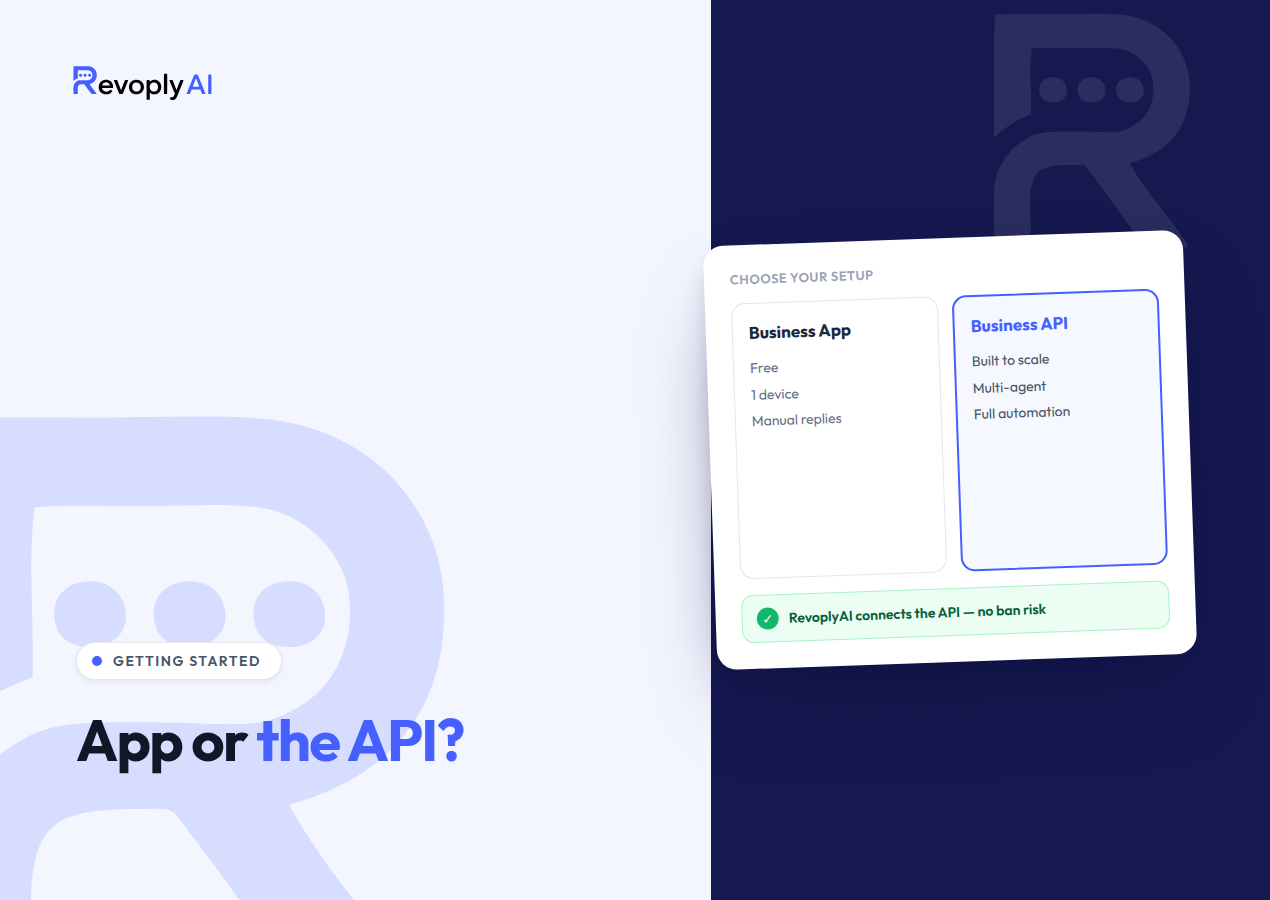
Choosing between the WhatsApp Business App and the API is really a question of volume. The free WhatsApp Business App runs on a phone and suits one person who answers chats by hand, whereas the WhatsApp Business API is a programmatic platform where several agents plus automated systems can manage thousands of conversations through a single number. A solo owner who types every reply personally will find the app sufficient. The moment you want automation, a shared team inbox, or a verified badge, the API becomes the requirement.
What is the WhatsApp Business App?
This is the free application available on the App Store and Google Play. In appearance and behavior it mirrors ordinary WhatsApp almost exactly, yet it layers on a few tools aimed at small businesses: a business profile carrying your address and opening hours, quick replies, greeting and away messages, product catalogs, and simple labels for sorting chats. The design target is a corner shop, a freelancer, or a one-person store, in other words someone who personally reads and answers every message from their own phone.
The greatest advantage here is zero cost and a setup that takes about two minutes. The greatest drawback is that everything resides on a single device built for a single user. Genuine automation is absent, teams cannot share access, and the built-in "auto-replies" are nothing but static text: they cannot interpret a question or fetch an answer from your business details. As soon as message volume climbs or a second agent needs to respond, the app reaches its limit fast.
Being explicit about the app's boundaries helps. It is not a customer service platform, its analytics stop at basic message counts, and it has no ability to link with outside software. All activity depends on the physical device where the app is installed, so a lost phone, an offline connection, or a device in another person's hands halts your business communication entirely. Plenty of small businesses accept that trade-off happily, until the day they can't.
What is the WhatsApp Business API?
Formally called the WhatsApp Business Platform, the WhatsApp Business API is Meta's programmatic gateway for companies that must operate at scale. Where the app ships with its own screen, the API offers no standalone interface at all. It functions as a connection layer that links your WhatsApp number to external software such as a shared inbox, a helpdesk, or an AI agent. That layer is what drives the automated customer service you meet when messaging an airline, a bank, or a big online store.
Through the API, one number can be run by a whole team, answer automatically twenty-four hours a day, deliver approved broadcast templates, and qualify for the official green verified badge. Since this is the sanctioned channel, it stands as the only ban-safe route to WhatsApp automation: Meta anticipates automated traffic here, while driving the consumer app or the Business App with unofficial tools regularly ends in banned numbers. Small businesses do not register for the API directly with Meta. Instead you connect via an approved provider, which is precisely the role a platform like RevoplyAI fills.
One significant change affects how messaging behaves: opening a conversation with a customer who has not written to you within the past 24 hours requires pre-approved message templates instead of free-form text. That rule keeps outbound communication compliant, and it is the very thing that makes large broadcasts safe. Within a 24-hour window that a customer's message opens, replies are unrestricted, so ordinary support conversations still feel like normal chat.
WhatsApp Business App vs API: a side-by-side comparison
The table below lays out the practical distinctions that carry the most weight while you decide which option your business genuinely requires.
| Factor | WhatsApp Business App | WhatsApp Business API |
|---|---|---|
| Users per number | A single phone (with limited linked devices) | Unlimited agents sharing one number |
| Automation | Only static away and greeting text | Complete AI agents and workflows |
| Green verified badge | Not offered | Available once verified |
| Broadcasts | Manual, small broadcast lists | Approved templates sent at scale |
| Ban risk | High when automated via unofficial tools | Safe from bans, automation is officially sanctioned |
| Team / shared inbox | No team inbox | One shared inbox with assignment & takeover |
When should you upgrade to the API?
The API is not a day-one requirement. Starting with the free app makes sense while your operation is small and you handle every answer personally. The signs that an upgrade is due are concrete rather than abstract:
- Chats are answered by more than one person. As soon as two people must reply from the same number, the one-phone app stops working and a shared inbox becomes necessary.
- Messages slip through. When inquiries land outside business hours or pile up faster than you can type, instant automated answers serve you far better than a static away message.
- Safe broadcasts matter to you. Pushing promotions straight from the app is precisely what causes numbers to be flagged, whereas the API delivers approved templates in the compliant manner.
- The verified badge appeals to you. That green checkmark, which strengthens customer trust, can only be obtained through the official API.
- You automate and fear bans. Running third-party automation on the consumer app is a frequent route to getting your number banned; the API is the path that keeps you safe from bans.
Should none of these describe your situation, remain on the app. Once one or more do apply, the API stops being optional: it separates a business that grows from one that bleeds customers through slow or unanswered replies.
How RevoplyAI connects you to the official API
Reaching the WhatsApp Business API once meant a struggle with Meta Business Manager, developer accounts, and hands-on technical configuration. RevoplyAI strips that friction away. Operating as a verified Meta Tech Provider, it links your business number to the official API over the sanctioned, ban-safe channel, with no unofficial workarounds and no dangerous automation layers exposing your number to risk.
After connection, your number picks up every capability the API offers, gathered inside one dashboard. You train an AI agent on your own business material, meaning PDFs, Word files, your website, and FAQs, and it responds to customer questions drawing solely on that information, so no answers get invented. A unified inbox allows the entire team to work through chats with assignment and human takeover, while the built-in template builder lets you send compliant broadcasts. Everything is engineered to go live in under 15 minutes without code, and you can have AI support running in minutes instead of weeks.
Companies that run outbound campaigns as well get a built-in number warm-up program from RevoplyAI, letting a fresh API number earn trust step by step rather than setting off spam filters. That stage is explained in the number warm-up guide. Starting out costs nothing: you get 175 AI replies a month with no credit card, so moving from the basic app to the full official API requires no heavy upfront commitment.
Frequently Asked Questions
Can I use both the WhatsApp Business App and the API on the same number?
No. One phone number may be registered either on the WhatsApp Business App or on the WhatsApp Business API, never on both simultaneously. Once a number migrates to the API, the phone app can no longer use it, and every message flows through the connected platform instead. Businesses that still want the simple app for a particular purpose often hold onto a separate number for it.
Is the WhatsApp Business API expensive for a small business?
Not necessarily. Access to the API comes through a provider, so pricing follows the platform you pick. RevoplyAI, as an example, opens with a free tier of 175 AI replies a month and no credit card, while paid plans start at $9/month. That places the official API within reach of small businesses that once assumed it was reserved for enterprises.
Will switching to the API get my number banned?
No, the reverse holds. The API is the official, Meta-sanctioned method for automating and scaling WhatsApp, so correct use of it is the ban-safe route. Bans generally originate from driving the ordinary consumer app with unofficial tools. Linking up through a verified Meta Tech Provider such as RevoplyAI keeps your number firmly on the compliant side.